The WordPress Booking Plugin category is unusually fragmented. An appointment scheduling tool built for a hair salon shares almost no logic with a hotel room booking system, yet both get lumped into the same “booking plugin” search results. Choosing the wrong category of plugin means spending a weekend on setup only to discover the tool cannot handle your actual booking model.
This guide separates the field by use case. Whether you run a service business booking appointments with individual staff members, manage rental properties, sell tickets to an event, or need booking logic inside an existing WooCommerce store, the plugins below are matched to their relevant use case, not shuffled into one generic ranking.
What this guide covers: 9 WordPress booking plugins evaluated through desk research, covering vendor documentation, feature pages, WordPress.org listings, and published user reviews. Every price, rating and install count below was checked on the vendor’s own site and on WordPress.org on 18 September 2026; check the vendor’s current pricing page before purchasing, as prices do change.
At a Glance: 9 Best WordPress Booking Plugins
Plugin
Best For
Free Version
Starting Paid Price
Booknetic
Appointment and Service Booking
Yes
$45/year
LatePoint
Appointment booking, clean UX
Yes
$79/year
Eventnetic
Event Ticketing and Seat Reservation
Yes
$99/year
Simply Schedule Appointments
Appointments, generous free tier
Yes
$99/year
Amelia
Appointment and event booking hybrid
Yes
$49/year
The Events Calendar
Event listings and registration
Yes
Bundles from $259/year
MotoPress Hotel Booking
Hotels and vacation rentals
Yes
$139/year
VikBooking
Budget hotel and vacation rental booking
Yes
€149 one-time (1 year of updates)
WooCommerce Bookings
Bookable products in WooCommerce
No
$249/year
How These Plugins Were Selected
Each plugin was evaluated against the specific booking requirements of the use case it serves. The evaluation criteria:
Category fit: Does the plugin actually solve the booking problem for that business type, or does it only have the right keywords in its description?
Active maintenance: Plugin updated within the last 12 months, with visible release history and a working support channel.
Transparent pricing: Entry cost and what a realistic full-featured setup actually costs, including essential add-ons.
Verified reputation: Ratings from WordPress.org, Envato, and published user reviews. Persistently negative support patterns are noted, not buried.
Booknetic: Best for Appointment and Service Booking
Best for: Service businesses that book appointments with specific staff members: salons, clinics, law firms, tutoring centers, gyms, cleaning companies, and similar multi-staff or multi-location operations.
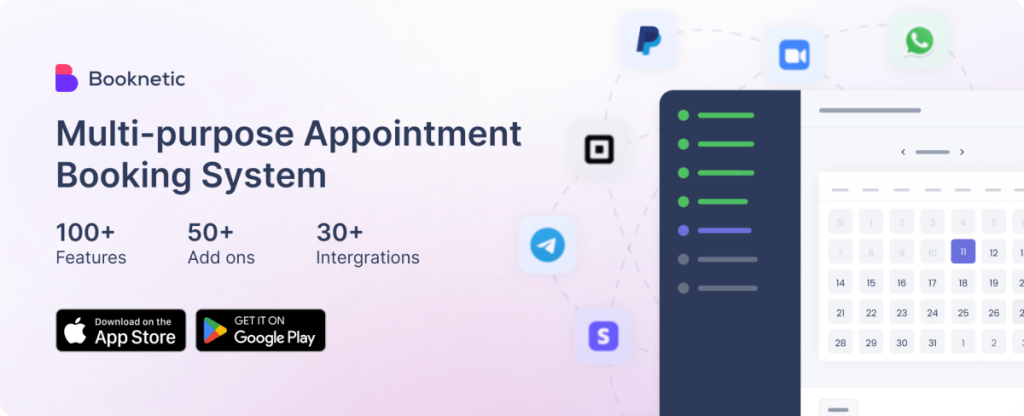
Booknetic has been purpose-built for appointment-based service businesses since 2019; the booking logic handles the elements that actually matter for this category: services with individual durations, staff members with separate availability windows and break times, buffer time between bookings, and multi-location setups where each location carries its own team and service menu.
The customer-facing booking form is a step-by-step wizard that handles service selection, staff and time selection, and online payment in one flow. It renders cleanly on mobile without modification. On the admin side, the calendar view lets staff manage appointments, and a dedicated mobile app (iOS and Android) gives staff access to their schedules without logging into WordPress.
Where Booknetic stands out from most competitors is the breadth of its appointment-specific logic: group class bookings with participant limits, recurring appointment series, customer-initiated rescheduling and cancellation, deposit-only checkout, and automated reminders via email on every plan and SMS or WhatsApp on Elite. The add-on ecosystem covers 50+ add-ons and integrations, including Google Calendar, Zoom, Microsoft Teams, Zapier, Slack, and most major payment gateways. According to booknetic.com, the plugin has 20,000+ paid customers and a 4.9/5 rating from 470+ verified customer reviews.
A free version is available directly from the Booknetic website, which lets you install and test the plugin before committing to a paid plan. This is not a WordPress.org listing.
Where it does not fit: Booknetic is built for appointment scheduling, not hotel room management, event ticketing, or rental inventory. If your booking model falls outside service appointments, the other plugins in this guide are better suited.
Key features:
Staff scheduling with individual availability, days off, and buffer time between bookings
Multi-location support with per-location service menus and staff assignments
Deposit and full online payment support (Stripe, PayPal, and other gateways depending on plan)
Recurring appointment booking and group bookings with participant limits
Automated reminders via email (all plans), SMS and WhatsApp (Elite)
Custom booking form fields
Google Calendar, Zoom, and Microsoft Teams integration (add-ons by plan tier)
Mobile app for staff (iOS and Android)
50+ add-ons and integrations, including Zapier, Slack, and WooCommerce
Pricing: Free version from booknetic.com. Paid plans start at $45/year for Basic (1 domain, core scheduling features). Standard is $99/year and adds Stripe, PayPal, WooCommerce payment gateways, and six core add-ons. Premium is $149/year for up to five domains with 16 add-ons included. Elite is $299/year for unlimited domains with all add-ons. Lifetime plans run from $99 (Basic) to $699 (Elite). 14-day money-back guarantee.
LatePoint: Best for Clean Appointment UX
Best for: Consultants, coaches, photography studios, small clinics, and fitness businesses that want a polished front-end booking experience with minimal configuration complexity.
LatePoint takes a different approach to pricing than most WordPress booking plugins: every paid tier gets the same full feature set. There are no features locked behind higher plans. The difference between plans is only the number of sites you can activate the plugin on.
This means Google Calendar sync, Apple Calendar support, Outlook integration, Zoom and Google Meet video meeting links, SMS and WhatsApp notifications, recurring appointments, invoicing, and post-booking automation workflows are all included from the entry-level plan. That pricing model works well for solo practitioners or small teams who want everything without hunting for the plan that unlocks a specific integration.
The front-end booking wizard is clean and fast. It handles services, agents (staff), locations, and custom form fields. The back end is straightforward and accessible for non-technical site owners.
Where it does not fit: LatePoint covers appointment scheduling only. No hotel booking logic, no event ticketing, no rental inventory. The $79 Starter plan costs more than Booknetic’s $45 Basic, but Basic has no online payments or mobile app, so the fairer comparison is Booknetic Standard at $99. The plugin ecosystem is also smaller.
Key features:
All features included at every paid plan tier
Google, Apple, and Outlook Calendar sync
Zoom and Google Meet integration
SMS and WhatsApp notifications
Recurring appointments and multi-location support
Invoicing and online payment collection
Automation workflows for post-booking communication
Pricing: A free version on WordPress.org (100,000+ active installs, 4.9/5 from 100 reviews) covers unlimited appointments, Stripe payments and one location; agents, extra locations and the integrations above need a paid plan. Starter plan is $79/year for one site. Scale is $149/year for five sites. Agency is $299/year for 100 sites. Lifetime plans are available starting at $199 for one site. 14-day money-back guarantee.
Eventnetic: Best for Event Ticketing and Seat Reservation
Best for: Conference organizers, workshop hosts, performance venues, and any site that needs to sell tickets, manage seat reservations, and track attendees for individual events, rather than simply listing them.
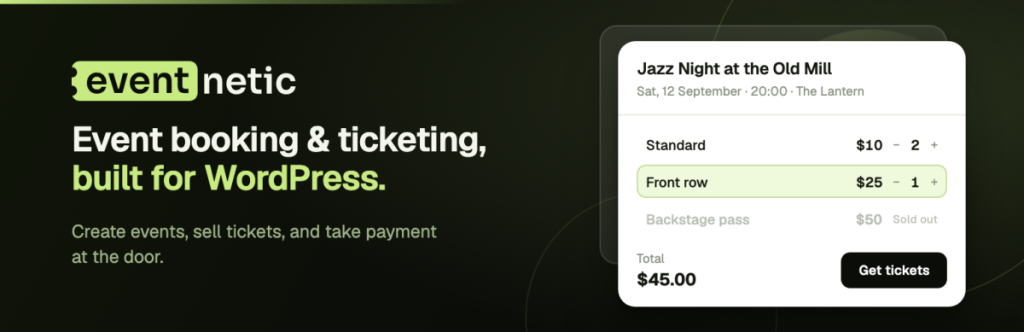
Eventnetic is built around the transaction side of events that a free listings plugin leaves out: ticket sales, seat maps, and attendee management. Every plan, including the free one, supports multiple ticket types per event (general admission, VIP, early bird, and custom types) at their own prices. The Starter plan adds PDF and QR-code tickets with check-in scanning and recurring event templates that generate a full series of dates from one setup; Pro adds assigned or general-admission seating with visual seat maps.
On paid plans, ticket payments are processed through the organizer’s own connected Stripe or PayPal account; checkout stays on the organizer’s site, and Eventnetic takes no percentage of ticket revenue. The free plan accepts cash and offline payments only. Starter adds custom registration and order forms; Pro adds a waiting list for sold-out events, invoices and Zoom meetings per date; Elite adds WooCommerce integration and SMS, Telegram and WhatsApp messages for attendee communication. Webhooks, which connect to Zapier and similar tools, are available on every plan.
Where it does not fit: Eventnetic is built for ticketed events with a transactional booking flow, not general appointment scheduling with staff availability, and not hotel or rental inventory management. The free plan is also limited to cash/offline payments with no seat maps or QR check-in; QR tickets need the Starter plan and seat maps need Pro. If you only need to publish a public event calendar without selling tickets, a free listings plugin covers that with less setup.
Key features:
Multiple ticket types per event, including on the free plan (general admission, VIP, early bird, and custom types)
Visual seat maps with assigned or general-admission seating (Pro and Elite)
PDF and QR-code tickets with check-in scanning (Starter and above)
Recurring event templates (Starter and above)
Stripe and PayPal payouts direct to the organizer’s own account, with no per-ticket platform fee (Starter and above); cash and offline payments on the free plan
Waiting list for sold-out events (Pro and Elite)
Customizable registration and order forms (Starter and above)
Webhooks on every plan; Zoom meetings per date on Pro and Elite; WooCommerce and SMS, Telegram and WhatsApp messages on Elite
Pricing: Free version at eventnetic.com, with unlimited events and unlimited bookings on one site and no time limit; the free plan covers ticket types, custom appearance, cash/offline payments, email automation, and manual check-in by name or booking code. Starter adds Stripe and PayPal, recurring dates, taxes and discount codes, custom forms, and PDF/QR tickets with check-in scanning. Pro adds seat maps, invoices, a waiting list, a price per date, and Zoom. Elite adds WooCommerce and SMS, Telegram and WhatsApp messages. There are no add-ons and no commission on any plan. Starter is $99/year, renewing at $199/year, or $199 one-time for a lifetime license, covering one site. Pro is $199/year, renewing at $299/year, or $399 one-time lifetime, covering five sites. Elite is $299/year, renewing at $399/year, or $599 one-time lifetime, covering 25 sites.
Simply Schedule Appointments: Best Free Appointment Plugin
Best for: Individual service providers, small consultancies, and businesses looking for a capable appointment plugin with a genuinely useful free tier.
Simply Schedule Appointments offers one of the more honest free tiers in the appointment plugin space. The Basic Edition (free, available on WordPress.org with 50,000+ active installs) supports unlimited appointment types, customizable notifications, and page builder integrations with no usage caps. You can run a working appointment booking setup at no cost.
The paid plans add integrations and features in a logical progression: Plus adds Google Calendar sync, Zoom, group bookings, and form builder support. Professional adds SMS notifications, Stripe and PayPal payments, and webhooks. Business adds team scheduling, resource management, and priority support.
Where it does not fit: Simply Schedule Appointments is strictly an appointment scheduling tool. No hotel booking, event ticketing, or rental inventory support.
Key features:
Free Basic Edition with unlimited appointment types and notifications (WordPress.org)
Google Calendar and Zoom integration (Plus and above)
SMS notifications and online payments (Professional and above)
Team scheduling and resource management (Business plan)
Gravity Forms and Formidable Forms integration
30-day money-back guarantee across all paid plans
Pricing: Free (Basic Edition on WordPress.org). Plus: $99/year (1 site). Professional: $199/year (1 site). Business: $399/year (1 site). All prices are first-year rates; renewals are $129, $249 and $499. Rated 5.0/5 from 155 reviews on WordPress.org, with no one- or two-star reviews.
Amelia: Appointment and Event Booking Hybrid
Best for: Businesses that handle both individual appointments and event-style bookings (classes, workshops, group sessions) and want a single plugin covering both scenarios.
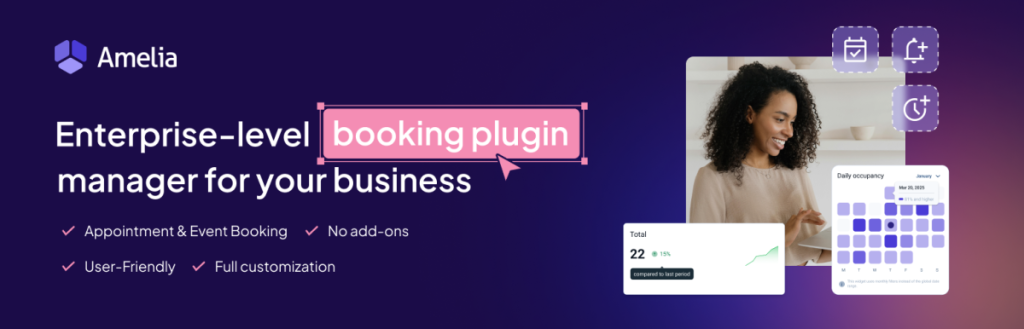
Amelia bridges appointment scheduling and event booking within one plugin, which gives it flexibility that pure appointment tools lack. You can handle standard one-on-one appointments alongside group classes, workshops, or recurring events in the same installation.
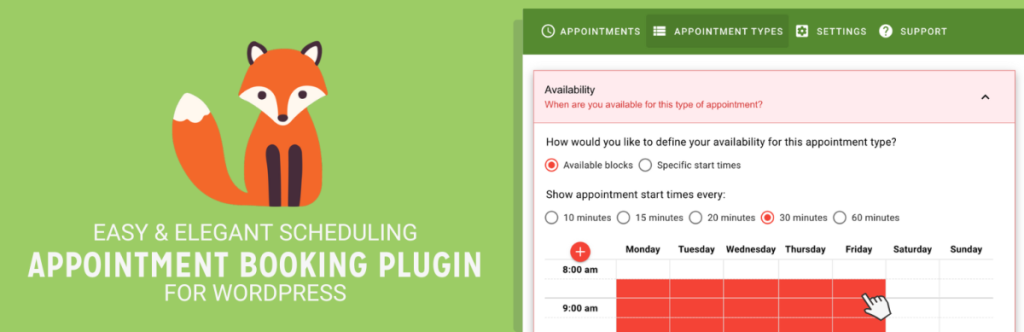
The plugin includes a free Lite version on WordPress.org with basic scheduling features, which makes it a reasonable option for testing the core workflow. The paid plans extend the feature set significantly, adding group event management, package bookings (selling multiple sessions as a bundle), waiting lists, WhatsApp and SMS notifications, and payment gateway support.
Where it does not fit: Amelia is not designed for hotel or property rental booking, and its event ticketing is more suited to class-style bookings than large-scale event management. The plugin’s dual focus also means some features in each category are less specialized than single-purpose tools.
Key features:
Appointment scheduling with staff, services, and locations
Group class and event booking with attendee management
Service packages and bundle purchases
Waiting list support
Free Lite version on WordPress.org
Payment integrations including Stripe, PayPal, and WooCommerce
Pricing: Free Lite version on WordPress.org (90,000+ active installs, 4.6/5 from 787 reviews). Starter $49/year and Standard $89/year for one site; Pro $149/year for five sites; Elite $259/year for unlimited sites. Lifetime licences from about $299 (Standard), $349 (Pro) and $709 (Elite). 15-day money-back guarantee.
The Events Calendar: Best Free Events Plugin
Best for: WordPress sites that publish event listings and need a reliable, widely supported free base plugin for event management, plus basic free ticketing.
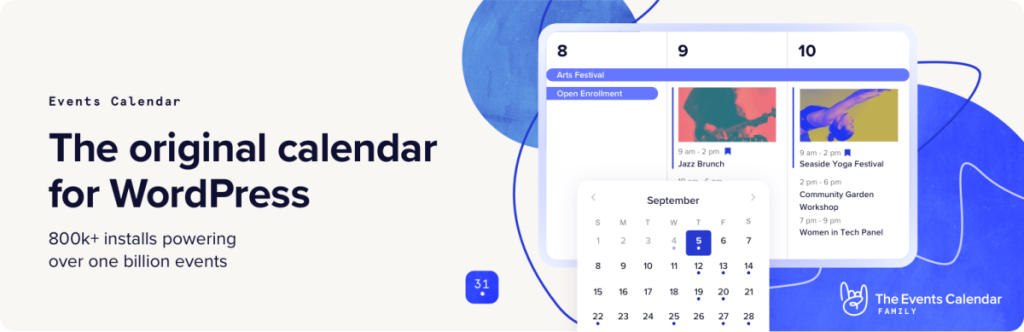
The Events Calendar is one of the most installed event plugins on WordPress, with over 600,000 active installs and a 4.2/5 rating from more than 2,400 reviews on WordPress.org. The base plugin is free and handles event creation, calendar display, list views, and event search without any payment required.
Ticket sales are not part of The Events Calendar itself; they come from a separate, also-free companion plugin called Event Tickets (90,000+ active installs on WordPress.org). Event Tickets lets you sell tickets and collect RSVPs without a licence fee, with payments processed through the organizer’s own Stripe, PayPal or Square account via its built-in Tickets Commerce; on Stripe and Square it adds a 2% fee per sale on top of processor fees, waived only with Event Tickets Plus. It is rated 3.5/5 from 234 reviews on WordPress.org. Venue and organizer management is included free in The Events Calendar. QR check-in, Apple Wallet passes, PDF tickets, Zoom integration, custom attendee registration forms, and WooCommerce-based commerce require the paid Event Tickets Plus extension, now sold through Liquid Web in per-site bundles.
For sites that need event listings plus straightforward ticket sales or RSVPs, pairing the free Events Calendar with the free Event Tickets plugin covers a large share of use cases without a paid extension, at the cost of the 2% fee on card sales.
Where it does not fit: The Events Calendar is not an appointment scheduling tool. It does not handle staff availability, service-specific booking slots, or one-on-one appointment workflows. Its free tier (with Event Tickets) also does not include QR check-in, seat maps, or custom registration forms; those require the paid Event Tickets Plus extension.
Key features:
Free base plugin with event listings, calendar, and list views
Event search and filtering
Schema markup for events (SEO benefit)
Venue and organizer management (free)
Free companion Event Tickets plugin for RSVPs and ticket sales (2% fee on Stripe and Square sales)
Paid Event Tickets Plus extension for QR check-in, custom registration, and WooCommerce commerce
600,000+ active installs; 4.2/5 rating on WordPress.org
Pricing: The Events Calendar and Event Tickets are both free on WordPress.org. Since 2026 the paid add-ons are sold as per-site bundles through Liquid Web: Essentials $259/year, Pro $399/year (includes Event Tickets Plus, WooCommerce checkout, the QR check-in app and waitlists), and Elite $599/year (adds the hosted Seating Builder).
MotoPress Hotel Booking: Best for Hotels and Vacation Rentals
Best for: Hotels, guesthouses, bed and breakfast properties, vacation rentals, and any accommodation business that needs date-range booking, nightly rate management, and online reservations.
MotoPress Hotel Booking is designed specifically for property-based accommodation booking, which means it handles the date-range selection, check-in and check-out logic, and nightly or seasonal pricing that appointment tools cannot replicate. The Lite version is available free on WordPress.org (10,000+ installs, rated 3.7/5 from 65 reviews, with many of the one-star reviews about the no-refund policy), which provides a starting point for small properties.
The full version extends those capabilities with seasonal rates, discount coupons, tax and fee management, and online payment processing. For properties that need to synchronize availability with Airbnb, Booking.com, or other OTA channels, the plugin also supports iCal synchronization to reduce double-booking risk.
Where it does not fit: MotoPress Hotel Booking is for accommodation. It is not suited for service appointment scheduling or event ticketing.
Key features:
Date-range booking with check-in and check-out calendar
Seasonal rates and variable pricing rules
Discount coupons and extras/add-ons management
Tax and fee configuration
iCal synchronization with external OTA calendars
Online payment support
Free Lite version on WordPress.org (10,000+ installs)
Pricing: Free Lite on WordPress.org. The full version is $139/year for one site, with multi-site and add-on bundle tiers above that; check motopress.com for the current bundle prices.
VikBooking: Budget-Friendly Hotel and Rental Booking
Best for: Small hotels, guesthouses, and vacation rentals that want a capable booking solution at a lower entry cost.
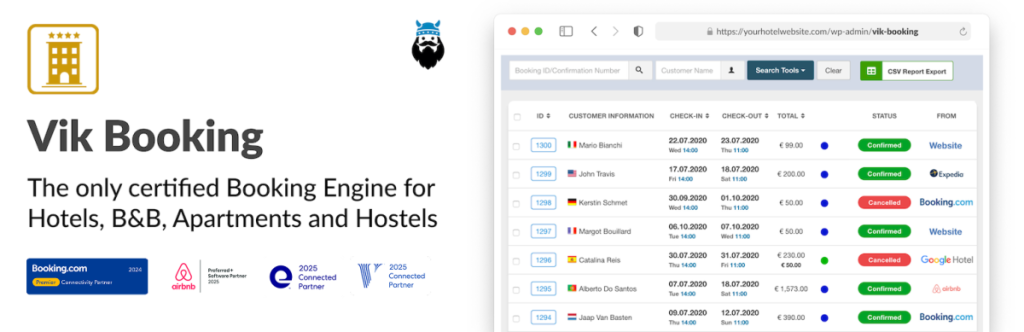
VikBooking offers something unusual in the booking plugin space: the free version on WordPress.org is a working booking engine (8,000+ active installs, 4.8/5 from 61 reviews) that includes custom rate plans, room and resource management, availability calendars, multi-language support, and payment integration. This is not a feature-stripped demonstration but a working booking system you can run without paying.
The Pro licence at €149 per site adds additional features and support, and it operates as a one-time purchase rather than a recurring subscription. Renewal is not mandatory to continue using the plugin, though updates and technical support do require an active license. This licensing model is meaningful for property owners who want to avoid ongoing software subscription costs.
Where it does not fit: VikBooking is primarily built for property and accommodation booking. It is less suitable for pure appointment scheduling with individual staff member availability.
Key features:
Free version with unlimited use on WordPress.org
Custom rate plans and seasonal pricing
Room and resource inventory management
Multi-language support
Payment gateway integration (60+ gateways via PRO)
iCal and OTA channel manager integration via e4jConnect
One-time PRO license (no mandatory renewal)
Pricing: Free version on WordPress.org. Pro licence: €149 for one site as a one-time payment with one year of updates and support; the plugin keeps working after that, and renewals are optional. The Vik Channel Manager (e4jConnect) for OTA sync is a separate paid service.
WooCommerce Bookings: Best for WooCommerce Stores
Best for: Online stores already running WooCommerce that need to add bookable products, time-slot reservations, or resource-based booking to their existing WooCommerce catalog.
WooCommerce Bookings is the official booking extension from WooCommerce (now maintained by Automattic/Woo). It integrates directly with your existing WooCommerce product catalog, which means bookable services, time slots, and resources inherit WooCommerce’s payment system, order management, tax handling, and reporting.
The extension is particularly suited for studios, rental businesses, and service providers that already sell physical products alongside bookable services, since both live in the same WooCommerce environment. You can create fixed appointment slots, let customers define custom booking ranges, assign resources (rooms, staff, equipment) to prevent double-bookings, and set dynamic pricing based on date ranges or group sizes.
Where it does not fit: WooCommerce Bookings requires WooCommerce to be active, which adds overhead for sites that do not already run WooCommerce. It is also a more expensive entry point than standalone appointment plugins, and its primary strength is WooCommerce integration rather than appointment workflow depth (no staff mobile app, limited notification automation compared to dedicated appointment plugins). It is also the lowest-rated plugin in this guide: 2.7/5 from 60 reviews on the WooCommerce marketplace, with 38% one-star reviews citing setup complexity and calendar bugs.
Pricing: $249/year for one site (1-year plan). A 2-year plan is available at $398.40, saving 20 percent versus two separate annual renewals. No free version; 30-day money-back guarantee.
How to Choose the Right Plugin
The most common mistake when picking a WordPress booking plugin is evaluating features generically rather than asking whether the plugin’s core logic actually matches your booking model.
If you book appointments with specific staff members: You need an appointment scheduling plugin with staff availability management. Booknetic, LatePoint, Amelia, or Simply Schedule Appointments all fit this pattern. Booknetic is the most feature-complete option for multi-staff or multi-location operations. LatePoint is worth considering if a clean, simple UX with everything included at every plan tier is the priority. Simply Schedule Appointments is the best choice if you want a capable free tier before committing to a paid plan.
If you need to publish event listings, sell basic tickets, or collect RSVPs: The Events Calendar’s free base plugin handles event creation, calendar display, and list views at no cost. Paired with the separate free Event Tickets plugin, you can also sell tickets and collect RSVPs through Stripe or PayPal without a licence fee (Event Tickets adds 2% on Stripe and Square sales). QR check-in, custom attendee registration forms, and WooCommerce-based commerce require the paid Event Tickets Plus extension.
If you sell event tickets, manage seating, or need attendee check-in: Eventnetic is built for that transactional flow: multiple ticket types on every plan, plus visual seat maps, QR check-in, and payouts routed directly to your own Stripe or PayPal account with no per-ticket platform fee on paid plans. Its free plan supports unlimited events and bookings on one site with cash/offline payments only; seat maps, QR check-in, and online payments require the Starter plan and above.
If you run a hotel, bed and breakfast, or vacation rental: MotoPress Hotel Booking and VikBooking are the relevant options. VikBooking’s free version and one-time Pro licence give it an advantage for budget-conscious property owners. MotoPress is the more widely used option with a more established support community.
If you already run WooCommerce: WooCommerce Bookings integrates directly with your existing store without requiring a separate booking environment. The tradeoff is a higher annual cost and less appointment-specific depth compared to standalone tools.
Final Thoughts
Booking plugins in WordPress have matured significantly, but the category is still best navigated by use case rather than by a generic best-of list. Appointment scheduling tools, hotel booking engines, event listing and ticketing plugins, and WooCommerce booking extensions each solve a different operational problem. Using the wrong category means fighting your plugin’s logic from day one.
For service businesses booking appointments with staff, Booknetic offers the broadest appointment-specific feature set in this guide, backed by active development and a wide integration library. For accommodation businesses, MotoPress Hotel Booking and VikBooking are the practical starting points. For event-based sites, The Events Calendar’s free plugin handles listings and calendars at no cost, and its free companion Event Tickets plugin adds basic ticket sales and RSVPs for a 2% fee on card sales; Eventnetic is the better fit once you need seat maps, QR check-in, or recurring ticketed dates.
Test with a free version where one is available, verify that the plugin’s booking logic actually matches your use case, and check pricing directly with each vendor before purchasing.
Help & Support
Frequently Asked Questions (FAQs)
01
What is the best WordPress booking plugin?
There is no single best plugin, because the category splits by booking model. For appointments with staff, Booknetic is the most complete option in this guide, with LatePoint as the simpler alternative. For event tickets and seating, Eventnetic. For hotels and vacation rentals, MotoPress Hotel Booking or VikBooking. For an existing WooCommerce store, WooCommerce Bookings.
02
Does WordPress have a built-in booking system?
No. WordPress core has no booking or appointment feature, and page builders only add forms. You need a booking plugin, and the right one depends on what you book: staff time, event seats, hotel nights or WooCommerce products. Every plugin in this guide is self-hosted, so bookings and customer data stay on your own site.
03
How much does a WordPress booking plugin cost?
Entry prices in this guide run from $45 a year (Booknetic Basic) to $249 a year (WooCommerce Bookings), with most plugins between $79 and $149 for one site. Booknetic, Eventnetic, LatePoint and Amelia also sell one-time lifetime licences, and VikBooking’s Pro licence is a one-time payment. Free versions cover simple setups, but online payments, SMS reminders and calendar sync are usually paid.
04
Which WordPress booking plugin takes deposits and online payments?
Booknetic, Amelia, LatePoint, Eventnetic and MotoPress Hotel Booking accept Stripe and PayPal on their paid plans. Deposits, where a customer pays part of the price to confirm, are built into Booknetic, Amelia, Eventnetic and MotoPress Hotel Booking. WooCommerce Bookings needs the separate WooCommerce Deposits extension, and Simply Schedule Appointments has no deposit option.
05
Which WordPress booking plugin works with WooCommerce?
WooCommerce Bookings is the native option: bookable products sit in your catalog and use WooCommerce checkout, orders and taxes. If you want a dedicated booking plugin alongside a store, Booknetic (Standard plan and above), Amelia (Standard and above) and Eventnetic (Elite plan) each offer a WooCommerce payment integration, so customers pay through the store’s existing checkout.
06
What is the best WordPress plugin for selling event tickets?
Eventnetic, if you need seat maps, QR check-in, recurring dates and payouts to your own Stripe or PayPal account with no per-ticket fee; its free version covers unlimited events with cash and offline payment. The Events Calendar with the free Event Tickets plugin works for simple ticket sales and RSVPs, but it charges a 2% fee on Stripe and Square sales unless you buy Event Tickets Plus.