
IMAGE SLIDER SUPPORT
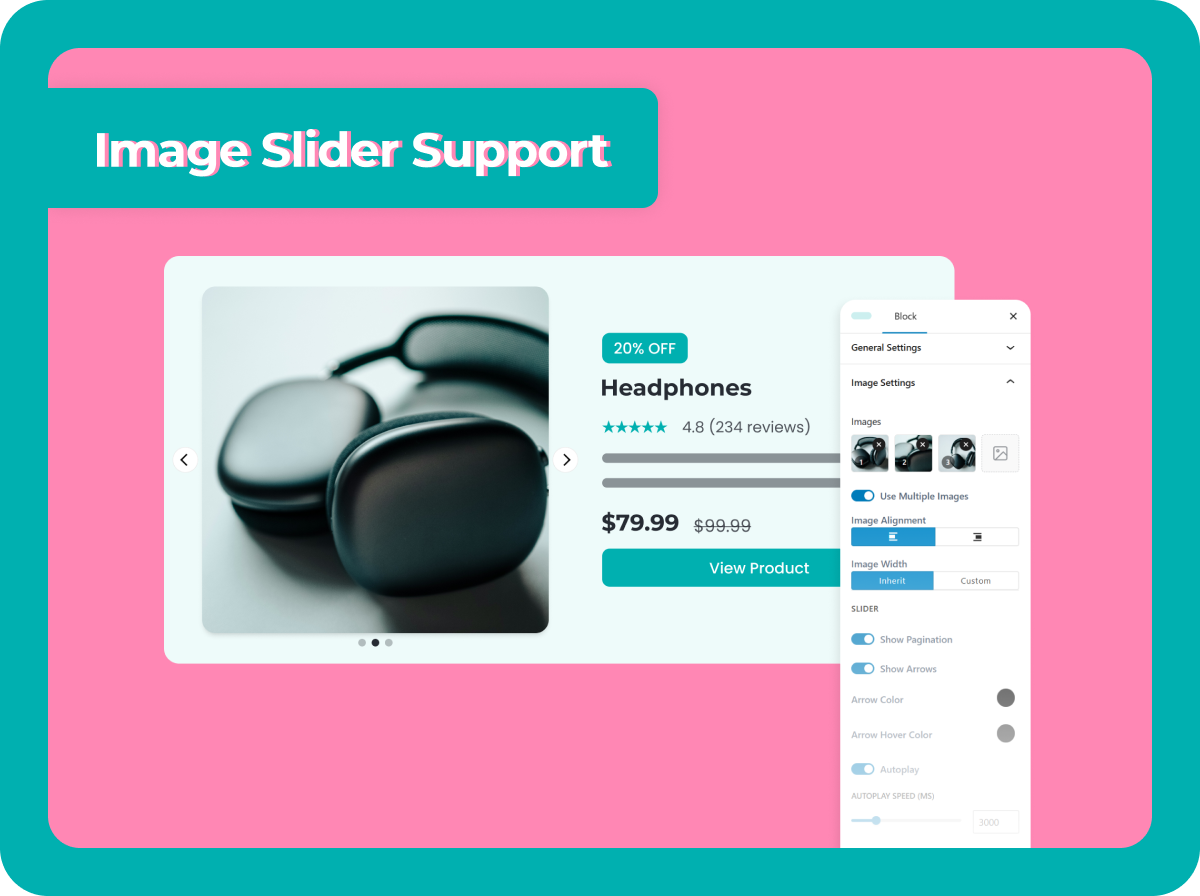
Show Interactive Images with Slider
Capture attention and boost engagement by showcasing multiple product views in a dynamic image slider display
Add Multiple Product Images
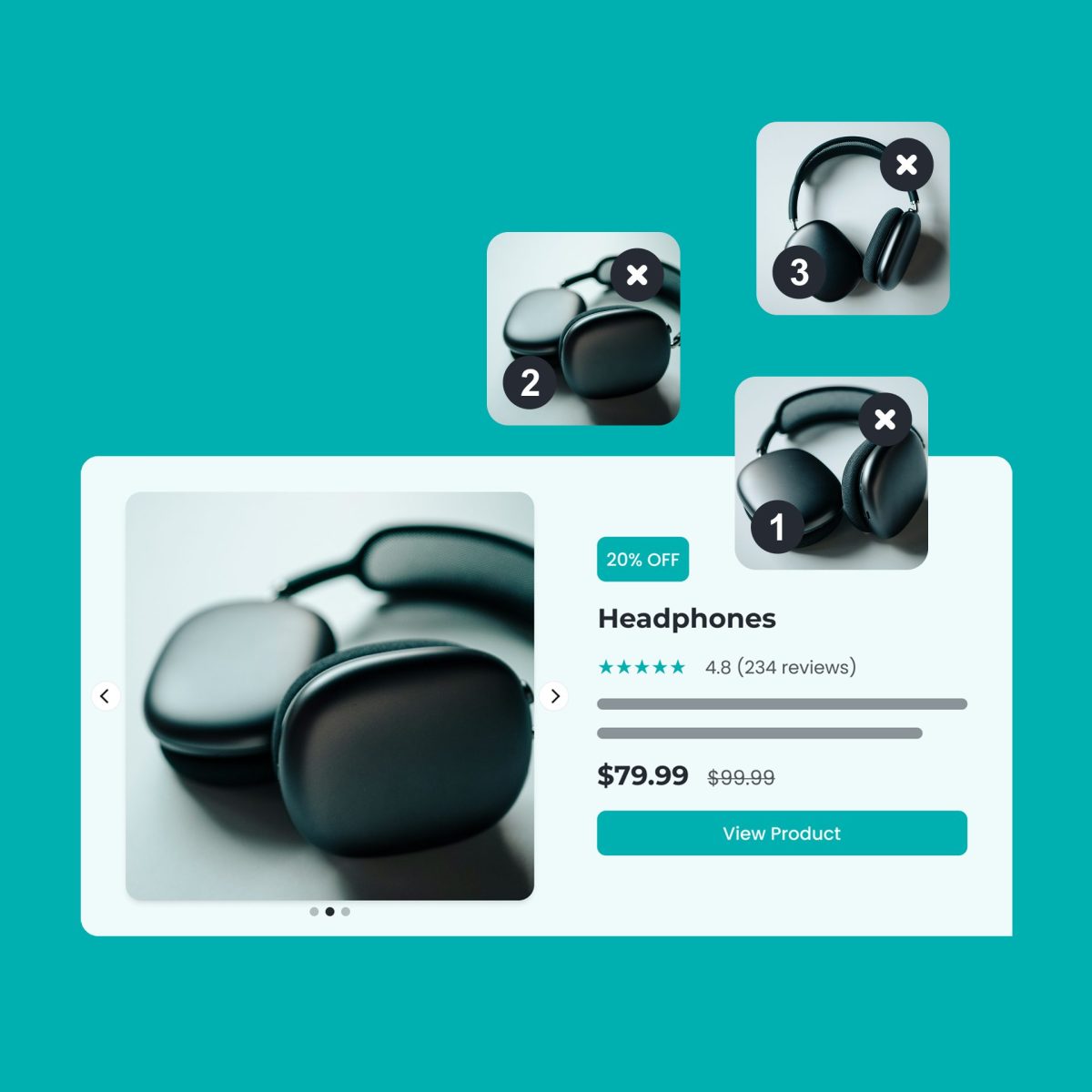
Create Interactive Design

Frequently Asked Questions (FAQs)
Quick, clear explanations to help affiliates use AffiliateX with confidence
How do I add images to the slider?
You can automatically fetch high-quality product visuals using the Amazon Creator API or manually upload your own custom images directly into the blocks.
Can I use the slider for any product?
Yes. The slider feature works seamlessly with multiple product display types, allowing you to showcase various angles and details for any item you promote.
Is the image transition automatic?
You have the flexibility to choose. You can set the slider to transition automatically or let users manually browse the images at their own pace.
Will this help my conversion rates?
Yes. Interactive content keeps visitors engaged longer, and multiple product views help build trust and provide the visual information needed to drive clicks.
Expert Resources for Amazon Affiliates
Get detailed, helpful guides, blogs and updates to make your affiliate journey smooth
- Learn More
AffiliateX v1.4.4: Introducing New Image Slider Feature for Blocks & Amazon Integration
- Learn More
How to Configure Image Slider Feature In AffiliateX Blocks
Ready to Start?
Join thousands of creators using AffiliateX to build better affiliate sites right away!