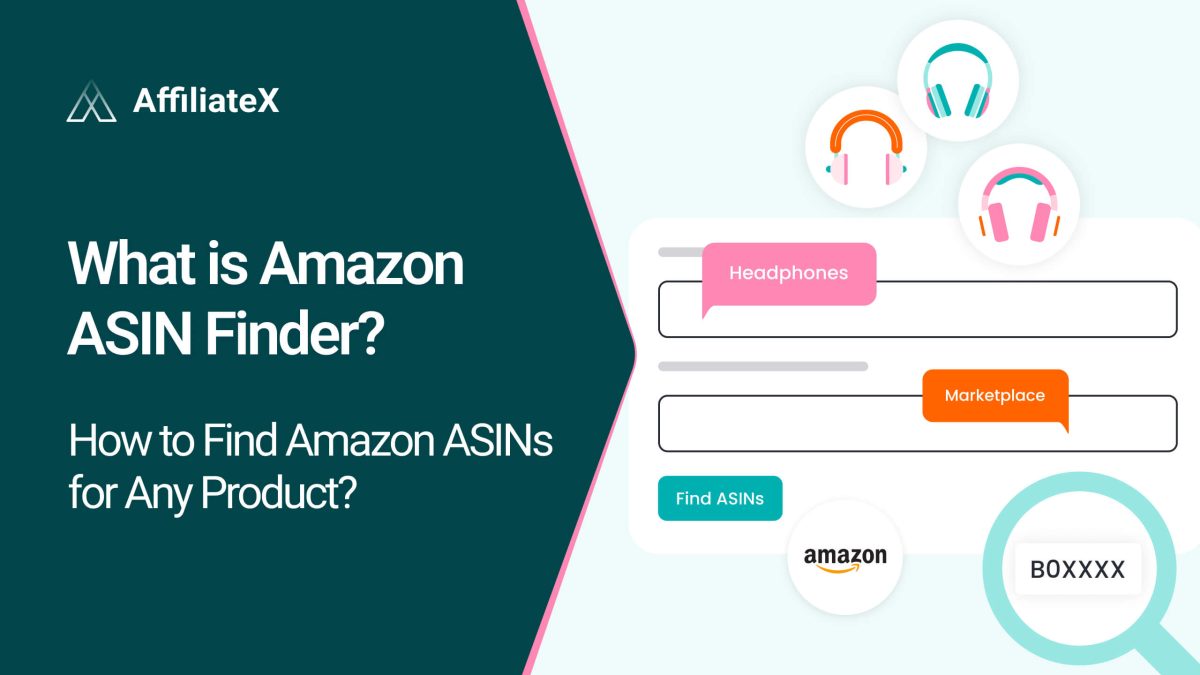
If you create Amazon affiliate content like product lists, reviews, or buying guides, you know how time‑consuming it can be to find the right products. What if you could search Amazon from a single place and instantly get ready‑to‑use product ASINs?
That’s exactly what the AffiliateX Amazon ASIN Finder does. It helps Amazon affiliates search for products by keyword and pull up the top matching results with all the key details you need to start providing right away.
In this detailed blog, you will learn how to use this tool step‑by‑step so you can save time, improve your research process, and start generating revenue faster.
What Is Amazon ASIN Finder?
An Amazon ASIN Finder is a tool that helps you find the unique ASIN number of Amazon products. ASIN stands for Amazon Standard Identification Number, which is a unique 10-character code Amazon uses to identify every product.
This is why AffiliateX comes with the Amazon ASIN Finder, a free online tool that lets you search Amazon by keyword and find up to 10 relevant products. It helps to complete with products ASINs, images, prices, ratings, and Prime status all in one place.
Unlike tools that only extract an ASIN from a URL, this one helps you discover products first, which makes it ideal for writing top‑10 lists, comparison posts, and review articles.
Why Amazon Affiliates Need AffiliateX ASIN Finder
Before writing any affiliate post, you need accurate product information. But searching multiple Amazon tabs, copying links, and finding ASINs manually can slow you down and lead to mistakes.
With AffiliateX ASIN Finder, you can:
Find products quickly from one search bar
See ASINs without digging through URLs
Preview prices, images, and ratings before deciding what to promote
Generate affiliate links in one click
Focus on content instead of research
This saves time and keeps your affiliate marketing workflow smooth, especially when writing comparison articles, top‑product posts, or relevant topics.
Simple Steps to Use AffiliateX Amazon ASIN Finder
Using AffiliateX Amazon ASIN Finder is easy and flexible. In just a few steps, you can go from product research to ready‑to‑publish affiliate links.
1. Enter a Keyword or Product Name
Start by typing a relevant keyword into the search field, for example:
wireless earbuds
coffee maker
gaming laptop
Then select your Amazon marketplace, such as Amazon.com or Amazon.co.uk. This instructs the tool what products you are looking for and where to search.
2. Review the Top Matching Products
AffiliateX Amazon ASIN Finder will return up to 10 products that match your keyword. For each result, you will see:
Product image
Title
ASIN
Price (if available)
Star rating
Prime eligibility
This gives you a quick overview of products that fit your niche without opening multiple Amazon tabs.
3. Copy ASINs or Generate Affiliate Links
Once you find products you want to promote:
Click to copy the ASIN
Or click Generate Affiliate Link to jump straight to the AffiliateX Amazon Affiliate Link Checker with that product URL pre‑filled
This makes it easy to verify tracking IDs and confirm your affiliate links are ready for publishing.
Bonus: Best Ways to Use the ASIN Finder Tool
Here are some smart ways Amazon affiliates can use this tool, and below are some key points.
Perfect for Round‑Ups and Top 10 Lists
If you are creating Best of content, you need multiple ASINs fast. Just search for a keyword and copy the top products.
Great for Comparison Posts
Instead of manually opening Amazon, the tool gives you product details right away. It helps you shortlist winners for comparison tables.
Helps With Keyword‑Driven Research
Use trending keywords to discover products readers are actively searching for. It helps to boost product relevance and conversions.
Using AffiliateX Amazon ASIN Finder transforms your affiliate workflow. Instead of manually hunting for products and ASINs, you can discover, evaluate, and link products in minutes. This tool helps you build top-product lists, comparison posts, or in-depth reviews, and focus on what matters most, creating content that converts.
Afrin is a skilled Product Marketing Specialist passionate about WordPress products. She effectively combines her background in Telecommunication Engineering and her MBA in Marketing to bridge technology and marketing. Afrin transforms technical WordPress features into compelling, user-centric content that drives conversions and fosters engagement. In her free time, she enjoys traveling, animated movies, and singing, reflecting her creativity and adventurous spirit.