eBay is the affiliate platform many marketers overlook, and that’s exactly why it’s worth a closer look. While everyone crowds around the same Amazon products, eBay offers something different, like new, used, refurbished, rare, and collectible items you won’t find anywhere else. For the right niche, that variety is important.
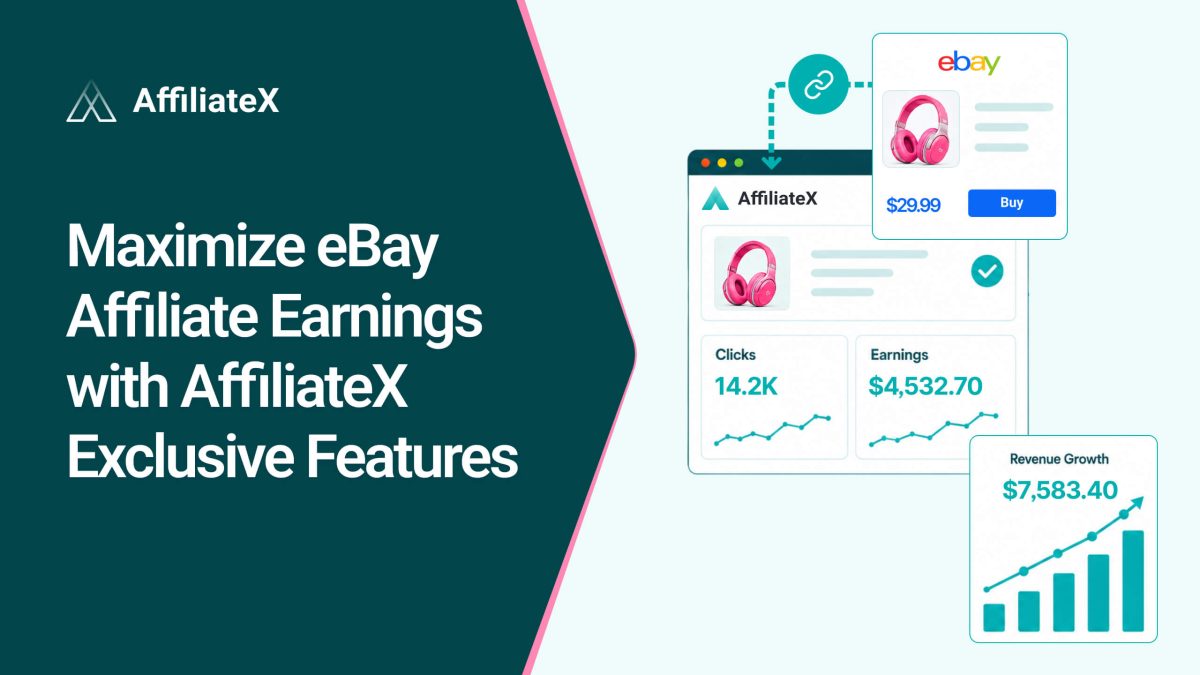
The key is promoting eBay well, with links that work, layouts that convert, and tracking that shows you what’s paying off. That’s where AffiliateX eBay Integration comes in. Its exclusive features turn eBay’s huge inventory into a real earnings stream, all managed from your WordPress site. Here’s how to make the most of it.
eBay’s affiliate program is called the eBay Partner Network, or ePN. It pays you commissions when you send buyers to eBay through trackable affiliate links. It’s free to join and takes only a few minutes to start.
What sets eBay apart is its inventory. Alongside brand-new products, you will find used bargains, refurbished electronics, spare parts, vintage goods, and one-of-a-kind collectibles. That makes eBay a perfect fit for niches Amazon can’t fully serve, think collectors, bargain hunters, hobbyists, retro gamers, and anyone hunting for hard-to-find items. If your audience wants choice and deals, eBay gives you plenty to recommend.
AffiliateX Features That Maximize eBay Earnings
Joining ePN is easy. Earning well from it takes the right tools. These are the AffiliateX features that help you turn eBay listings into commissions.
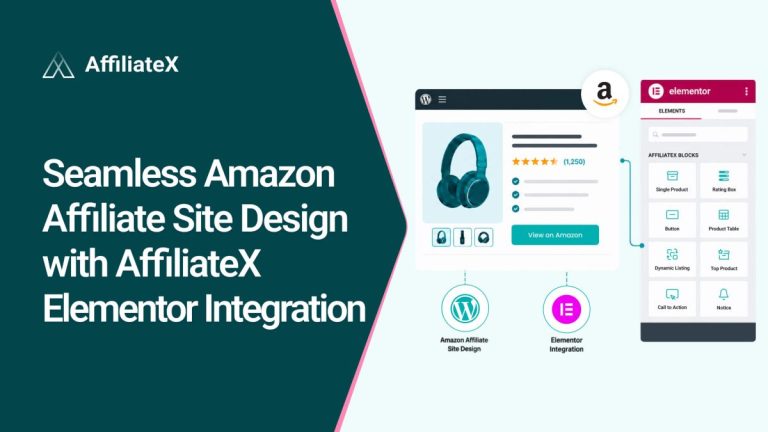
Conversion-focused blocks: AffiliateX offers 20+ ready-made blocks, including single-product boxes, comparison tables, pros-and-cons lists, rating boxes, and call-to-action buttons. You display eBay items in layouts built to earn clicks, not plain text links that readers ignore.
One dashboard for every platform: With AffiliateX, you manage eBay right alongside Amazon and AliExpress. There’s no separate workflow. You can handle all your affiliate products from one familiar plugin, and you can even compare items across platforms in the same post.
Built-in analytics: You can track how your eBay links perform, see which products and pages drive the most clicks, and double down on what works. Smart decisions come from real data, not guesses.
Broken-link protection: eBay listings can end or change, which means dead links and lost commissions. The broken-link checker spots these problems so you can fix them fast and keep your eBay links earning.
Email reports: Get your performance summaries, including your eBay results, delivered to your inbox on a schedule, so you stay informed without logging in.
Marketplace targeting: During setup, you can choose your eBay marketplace country, so your links point to the right regional eBay store for your audience.
Together, these features mean you are not just adding eBay links, you are presenting them well, tracking them closely, and keeping them healthy. That’s what maximizing earnings really looks like.
Connecting eBay to AffiliateX
Setup happens in two quick stages: join the eBay Partner Network, then connect it to AffiliateX using your developer credentials. You can check the detailed documentation for the AffiliateX eBay Integration.
Stage 1: Join the eBay Partner Network
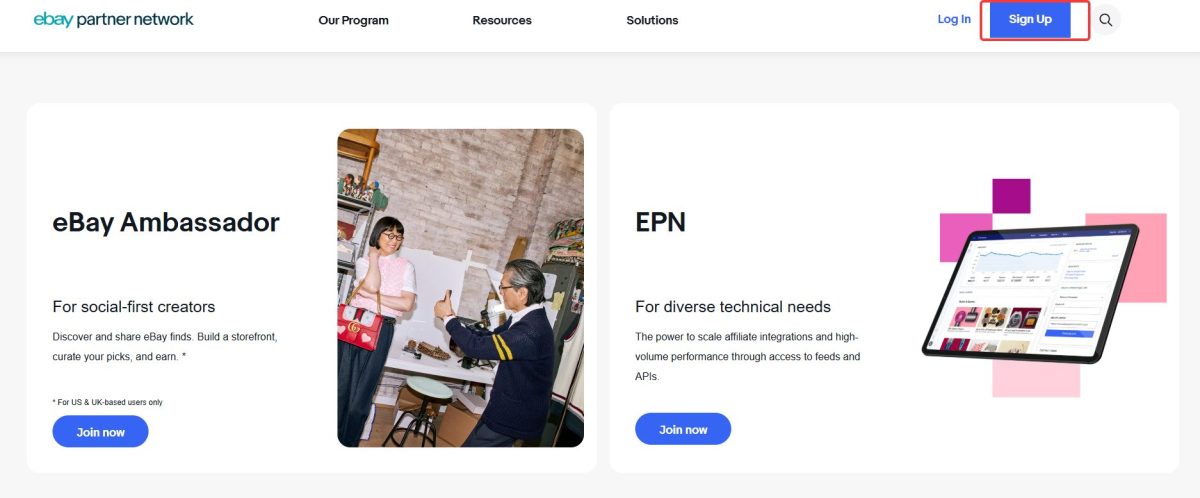
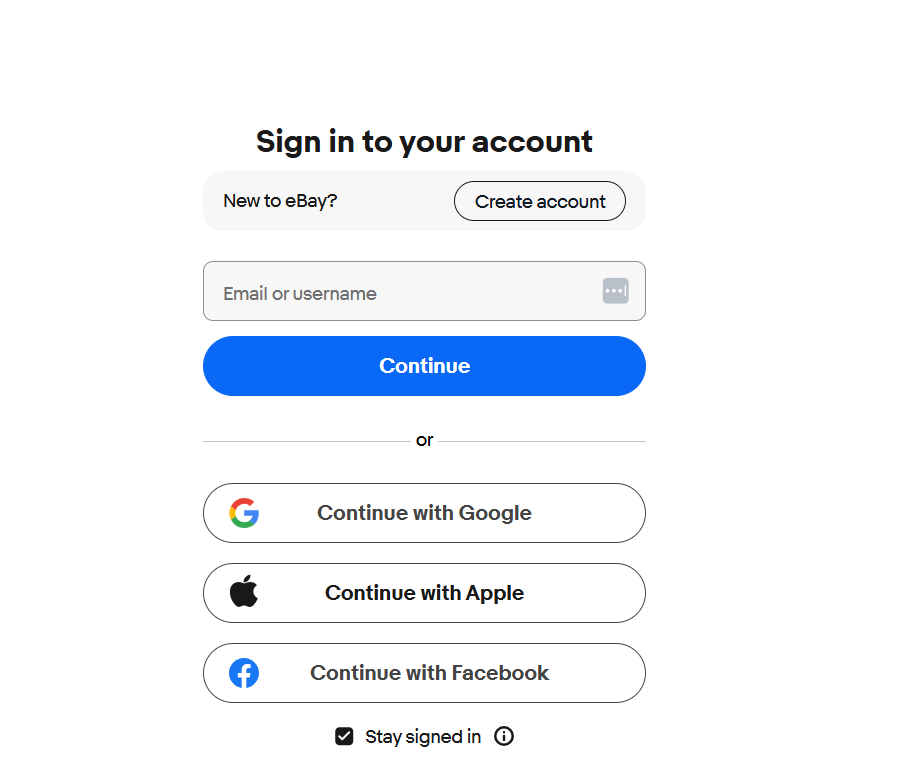
Visit partnernetwork.ebay.com and click Sign Up in the top-right corner, then choose Sign in with eBay. You can use an existing eBay account or create a new one. If you are creating one, eBay recommends a Personal account unless you plan to sell directly on eBay. Complete the application form and submit it. You will see a confirmation and receive an “Application Received” email. Once you’re accepted, log in to your ePN dashboard and complete your profile.
Stage 2: Get Your Credentials and Connect
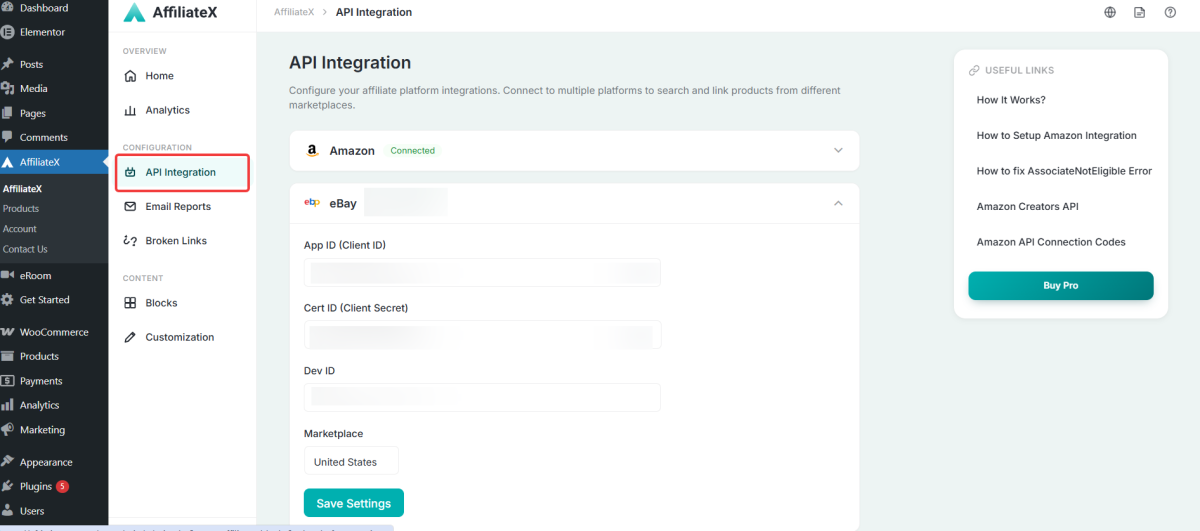
To link eBay to AffiliateX, you will need three credentials: your App ID (Client ID), Cert ID (Client Secret), and Dev ID (Developer ID).
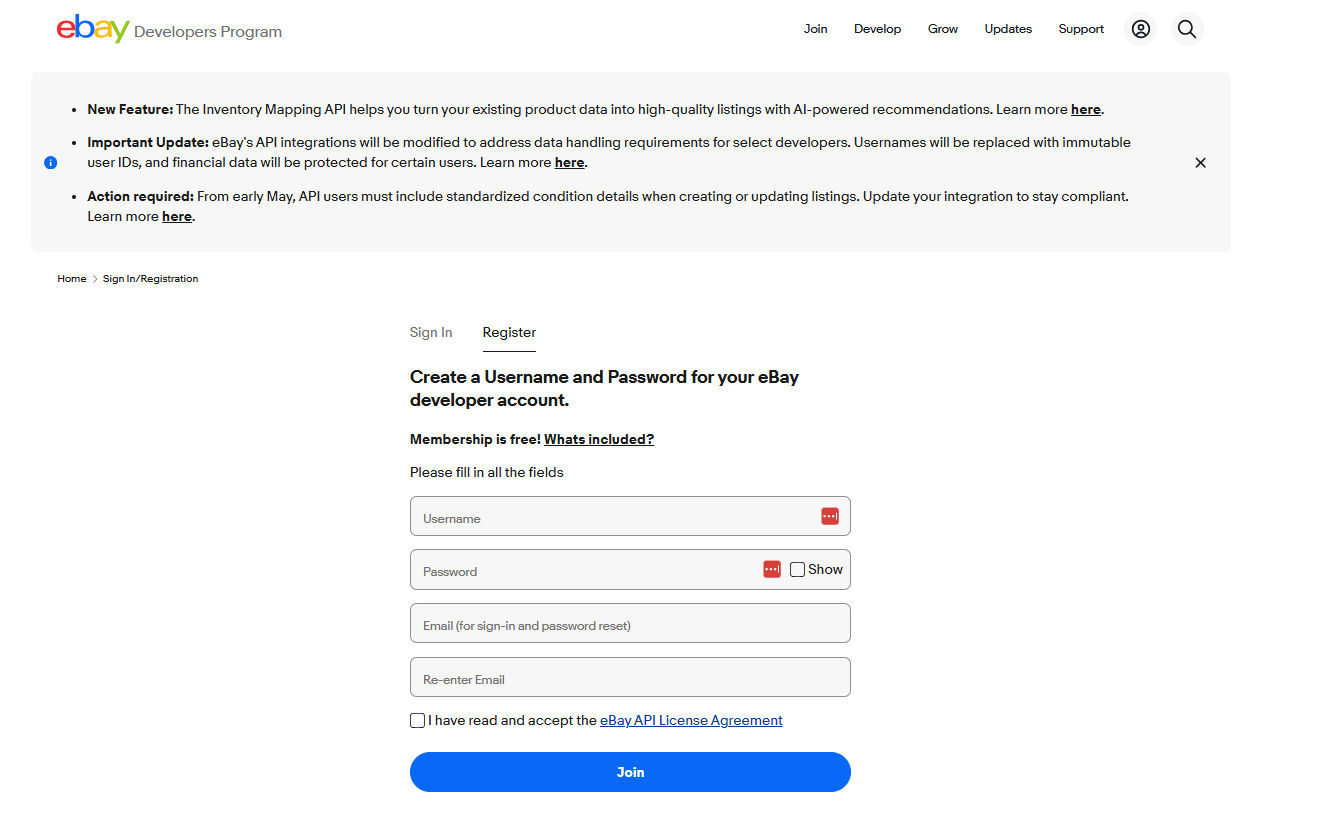
To get them, create or log in to the eBay Developers Program at developer.ebay.com. Register using a business email, verify your email, accept the eBay API License Agreement, confirm you’re not a robot, and submit. Approval takes about one business day. Once approved, set up your account and create your eBay API keysets to retrieve your credentials.
With your credentials ready, go to your WordPress dashboard and open AffiliateX > API Integration > eBay. Enter your App ID, Cert ID, and Dev ID, choose your eBay marketplace country, and click Save Settings. If everything is correct, you will see a “Connected” sign and be able to start adding eBay products using AffiliateX blocks.
New users will need both AffiliateX Free and AffiliateX Pro installed and active to set up the eBay integration.
Tips to Get More From eBay Promotions
A few habits help you earn more once you’re connected.
Match eBay to the right content: Use it for deals, used or refurbished items, parts, and collectibles, the things eBay does best, and Amazon often can’t match.
Build cross-platform comparisons: Show the same kind of product from both eBay and Amazon, and let readers choose. You earn either way.
Lead with strong layouts: Use comparison tables and product boxes rather than bare links, so readers can see the value at a glance and click through.
Pick the right marketplace: Set your eBay marketplace country to match where most of your audience shops.
Track and adjust: Use your analytics to find your best eBay performers, then create more content around them.
Now Explore AffiliateX eBay Integration
eBay’s mix of new, used, refurbished, and rare items is a genuine opportunity, and it’s one most affiliates ignore. AffiliateX helps you seize it. With conversion-ready blocks, one dashboard for every platform, built-in analytics, broken-link protection, and marketplace targeting, you don’t just add eBay links. You present them well and keep them earning.
Join the eBay Partner Network, connect it to AffiliateX with your App ID, Cert ID, and Dev ID, and start featuring eBay finds your readers can’t get anywhere else. With the right inventory and the right tools working together, eBay can become a steady, valuable part of your affiliate income.
Afrin is a skilled Product Marketing Specialist passionate about WordPress products. She effectively combines her background in Telecommunication Engineering and her MBA in Marketing to bridge technology and marketing. Afrin transforms technical WordPress features into compelling, user-centric content that drives conversions and fosters engagement. In her free time, she enjoys traveling, animated movies, and singing, reflecting her creativity and adventurous spirit.