


eBay affiliate program is called eBay Partner Network, or ePN. It lets you earn commissions by sending buyers to eBay through trackable affiliate links. With AffiliateX, you can integrate your eBay Partner Network or ePN account and manage your affiliate marketing website in WordPress by following some simple steps.
How to Join eBay Affiliate Program
Below is a step-by-step guide to creating your ePN account.
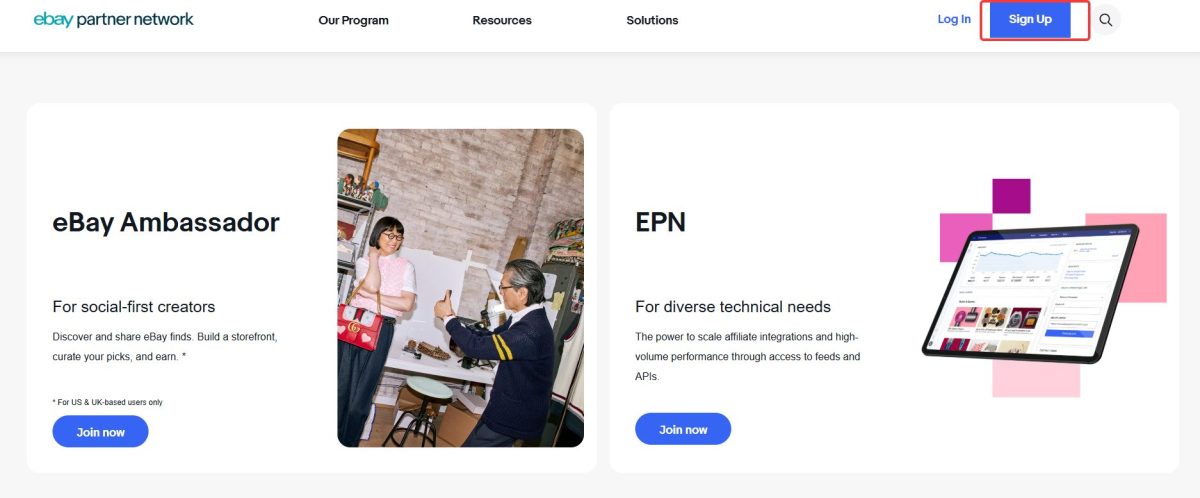
Step 1: Visit the official eBay Partner Network website and click the Sign Up button in the top-right corner.
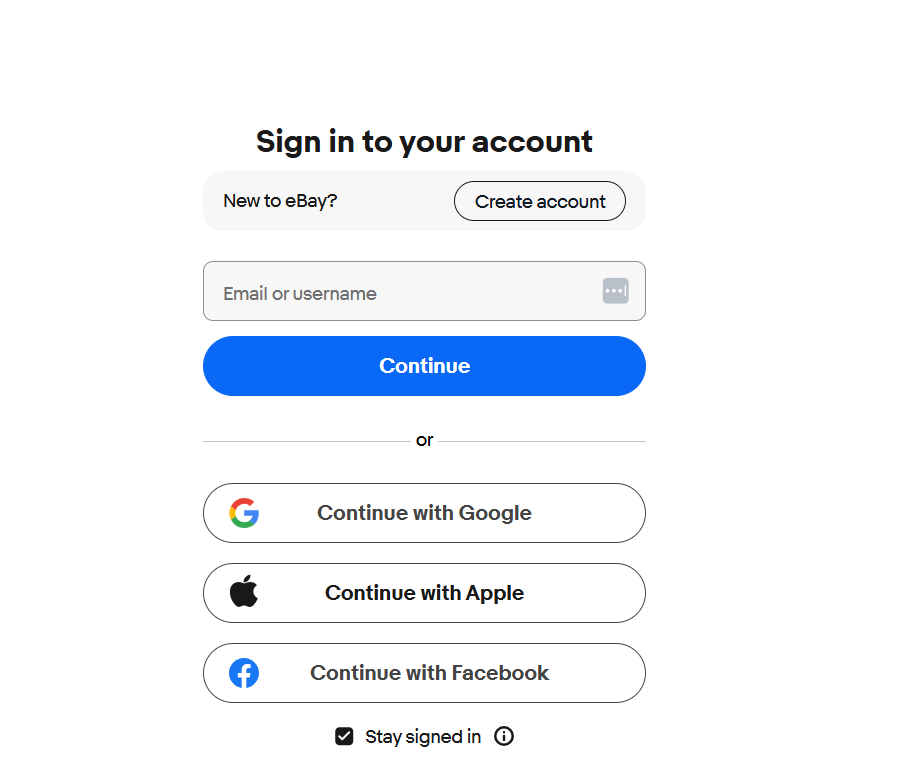
Step 2: On the signup page, click Sign in with eBay.
You have two options:
- Use your existing eBay account
- Create a new eBay account
If you do not already have an account, eBay recommends choosing a Personal account unless you plan to sell products directly on eBay.
Step 3: After signing in, complete the application form, then click Sign Up to submit it. After submission, eBay will show a confirmation message. You should also receive an email saying Application Received. Once your account is accepted, you can access the eBay Partner Network dashboard.
After approval, log in to your ePN dashboard and complete your profile. eBay says ePN is free to join and only takes a few minutes to get started.
How to Configure Your eBay Partner Network Account with AffiliateX
You need your eBay App ID (Client ID), Cert ID (Client Secret), and Dev ID (Developer ID) to connect your eBay account to AffiliateX. In this section, you will find the steps to get all the required information below.
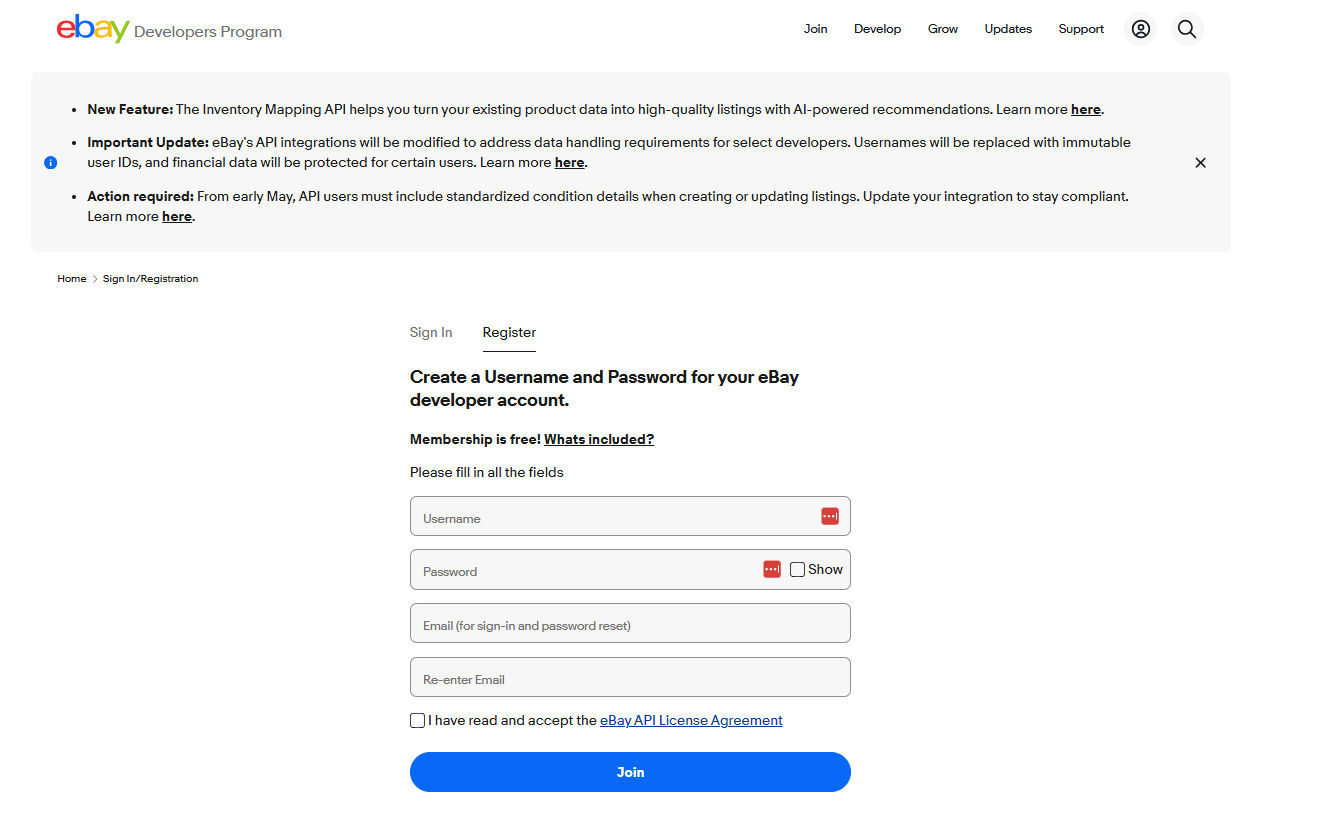
Step 1: To integrate with AffiliateX, you need to first create or log in to eBay Developers Program.
Things you should follow to create your eBay developer account to get your API key sets:
- Complete this registration form. You should use a business email address to register the developer account
- Afterward, verify your email address in the Re-enter email field
- Accept that you have read and accept the eBay API License Agreement.
- Also, click that you are not a robot.
- Now press join to submit your form. It will take approximately 1 business day for account approval. Once you have a developer account, you can set up your account and create your eBay API keysets.
Step 2: After your developer account is created and approved, you can retrieve credentials. Follow the official eBay guidelines to get started.
Now that you have all the required information, navigate to your WordPress dashboard, AffiliateX > API Integration > eBay, enter the App ID (Client ID), Cert ID (Client Secret), and Dev ID (Developer ID), you can also choose your eBay Marketplace country and then hit the Save Settings.
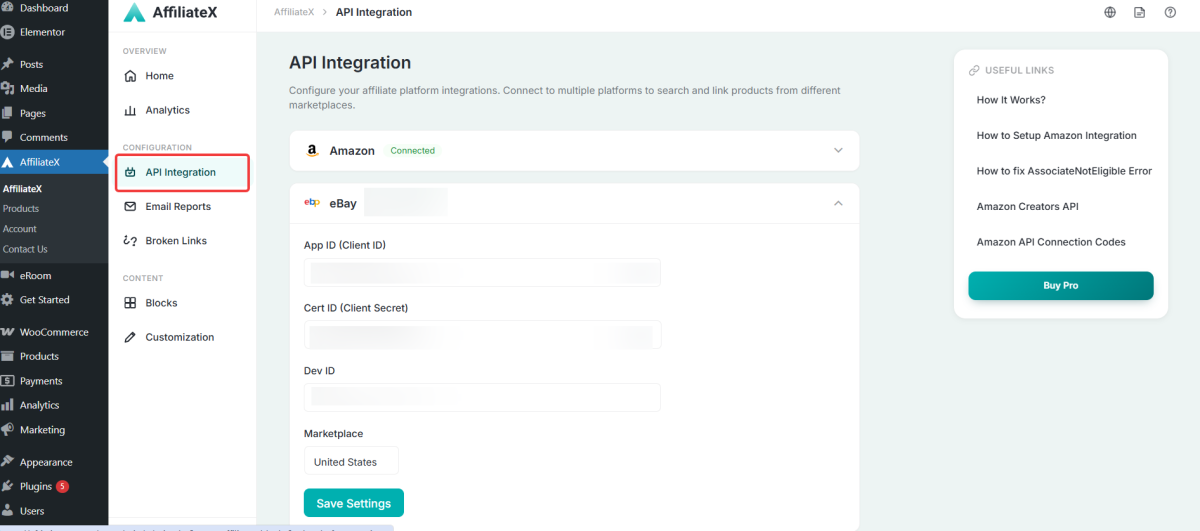
If all the information is correct, you will see the ‘Connected’ sign, get started with AffilaiteX blocks, start promoting your products, and generate sales.
Note: If you are a new user of AffiliateX, you need to install and activate both the Free and Pro plugins of AffiliateX to configure your eBay integration as an affiliate marketer.
If you would like to explore more useful AffiliateX integration, features, or exclusive blocks, visit the AffiliateX documentation site for details.