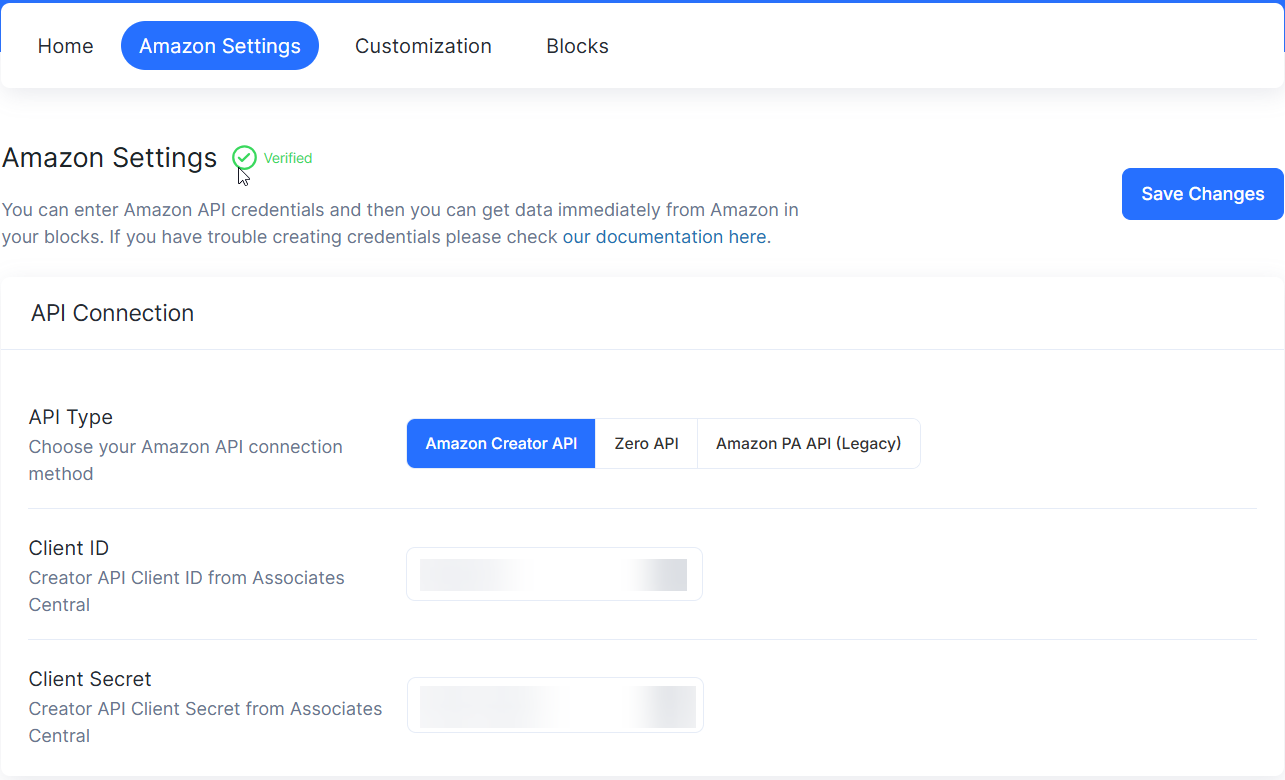

To enter your credentials and connect Amazon’s Creators API to AffiliateX follow these steps:
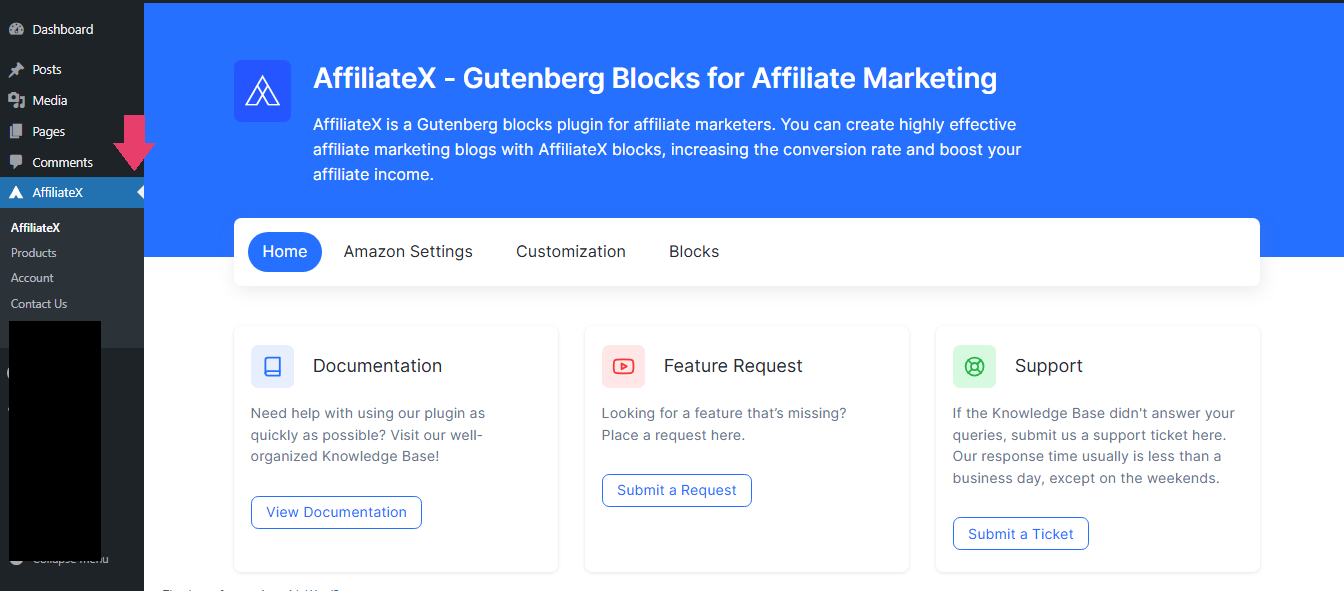
Visit AffiliateX Plugin Dashboard: Click on the AffiliateX plugin on your WordPress Admin Dashboard Area.
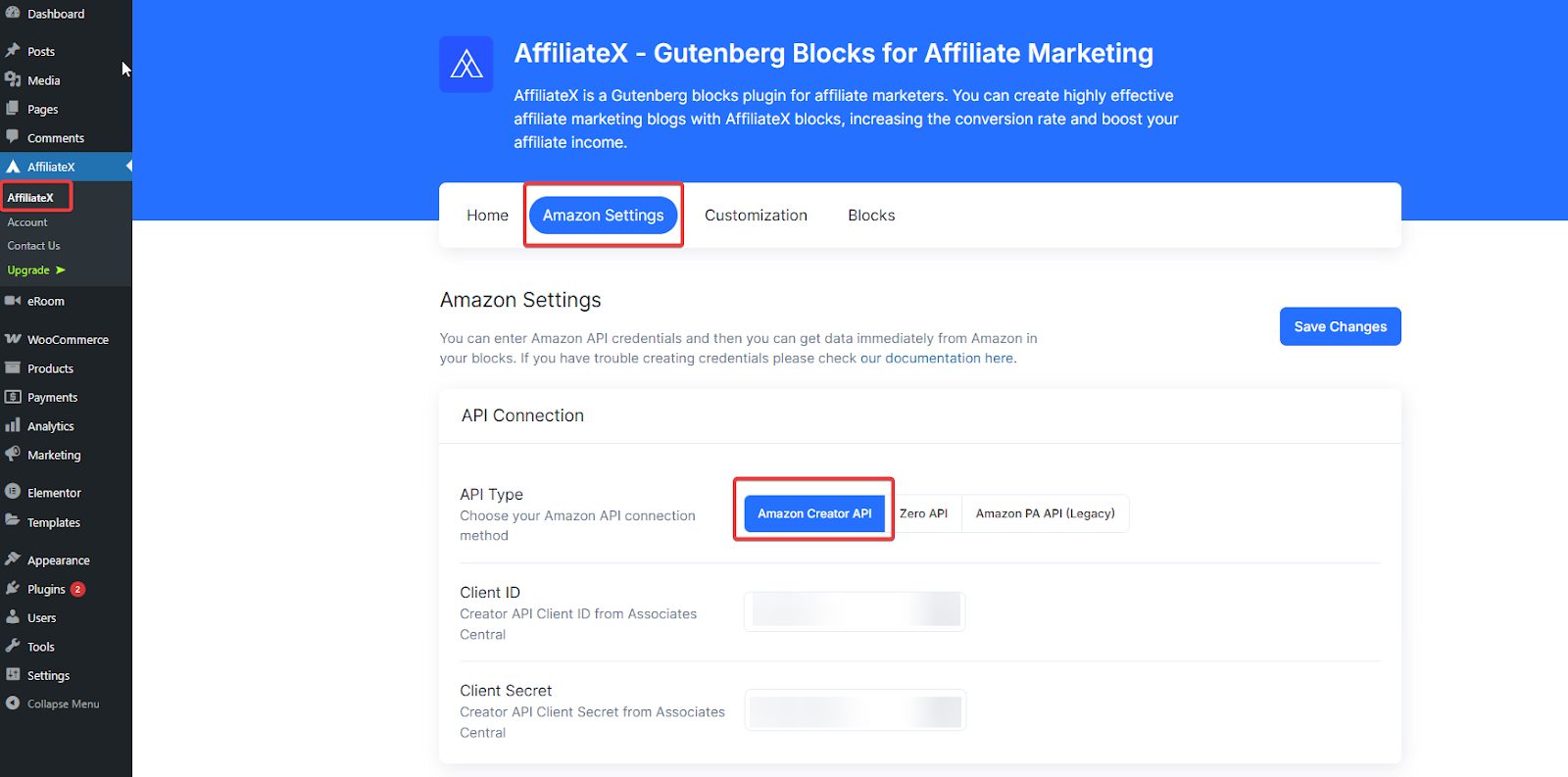
Click on “Amazon Settings” to display the interface where you can enter your Amazon Creators API credentials and immediately receive product data from Amazon into your blocks.
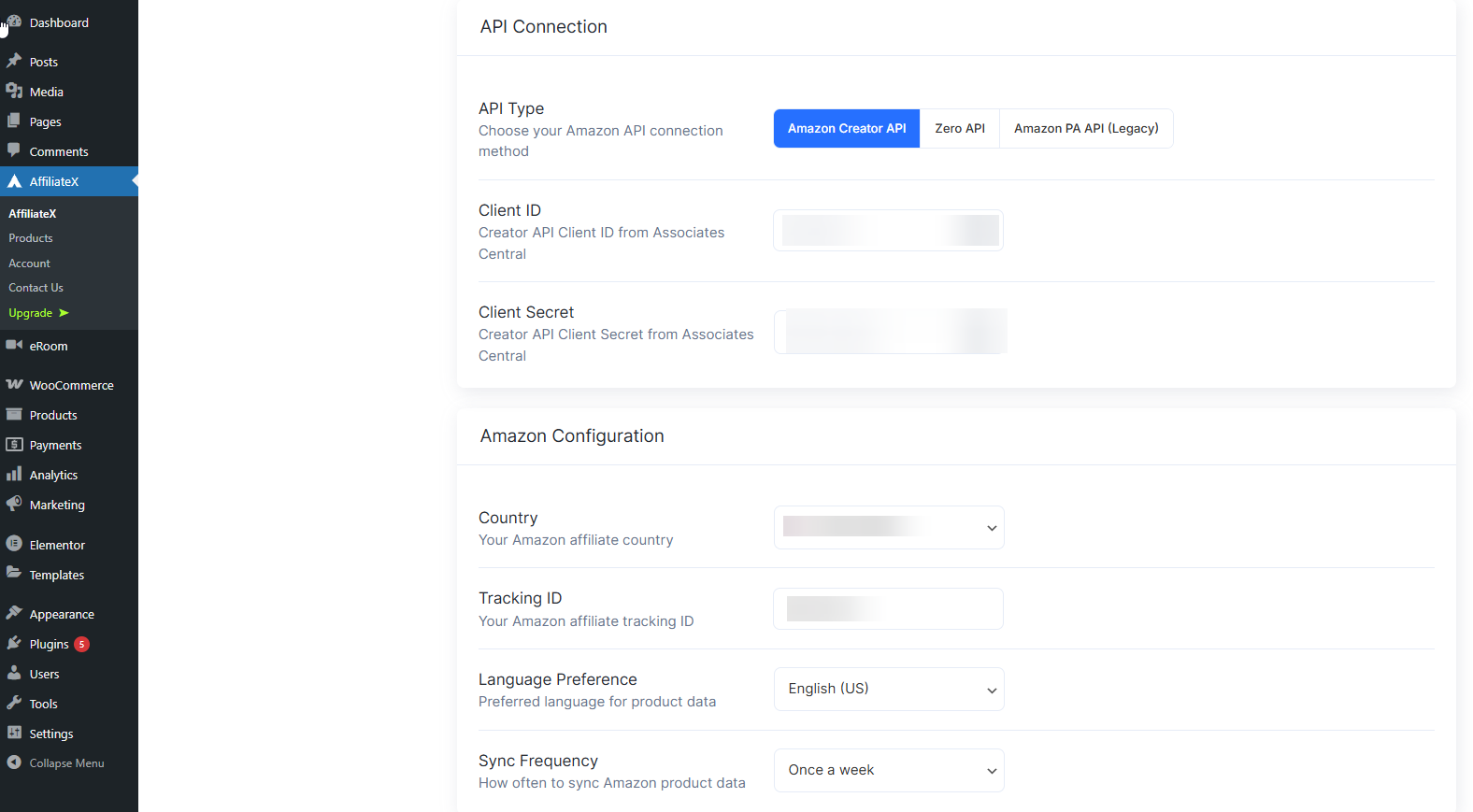
Click on the drop-down “Country” menu to select your preferred country from the Amazon Network Partner Countries.
Confirm that all the credentials you provided are correct, and click on the “Save Changes” button to save. If all information is correct, your Amazon Creators API will be verified immediately with AffiliateX Amazon Settings.