


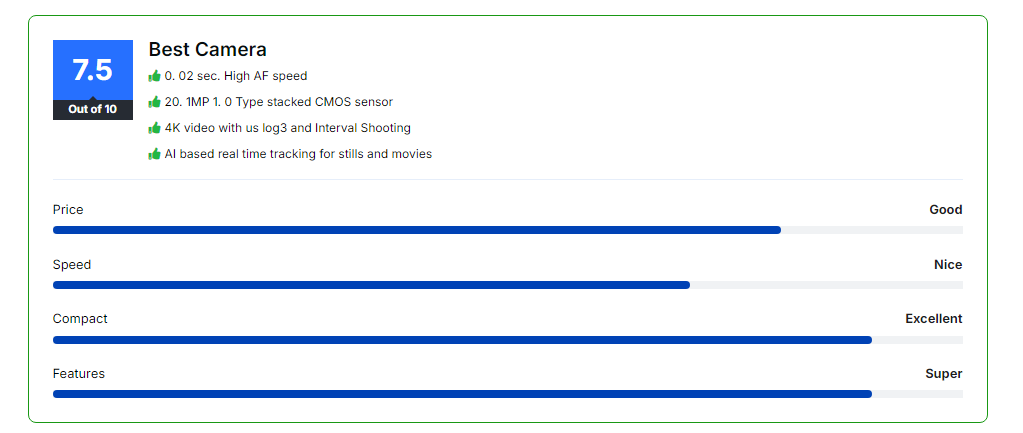
With the AffiliateX Rating Box block, you can easily display product ratings that gauge the quality, features, price, or ease of use of a product with a visual star rating or numerical score clearly and engagingly. This block offers a wide range of customization options.
How to add the AffiliateX Rating Box block?
- On a page/post editor, click on the Add block icon
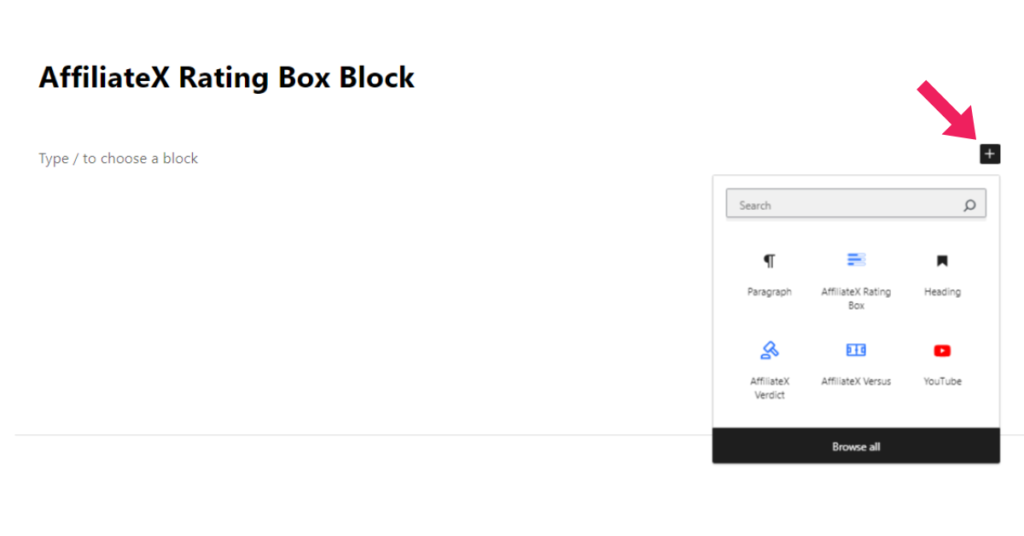
- Search for AffiliateX Rating Box and click on the block to add it
- You will get a default block design, which you can modify via the provided Block Settings
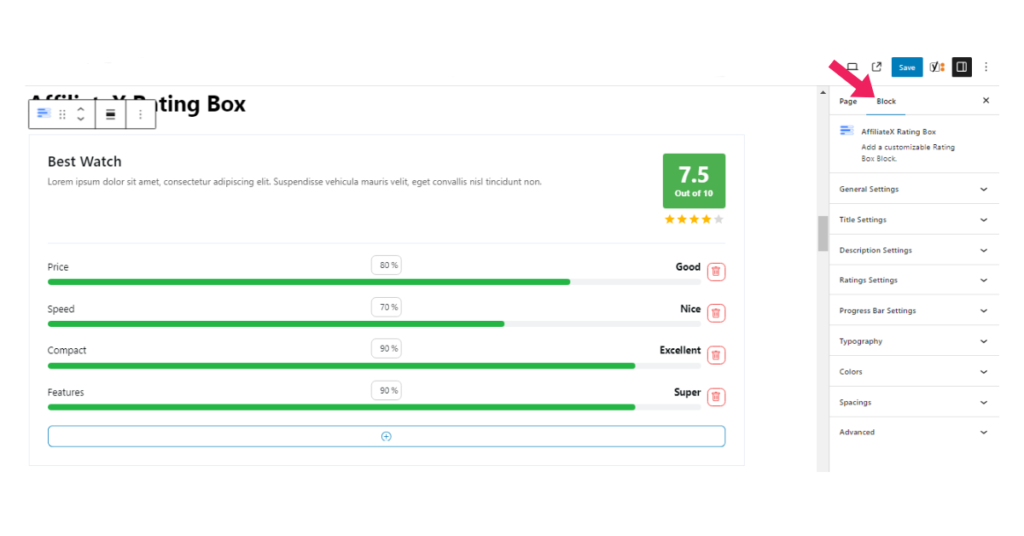
Block Settings
The following is the list of block settings provided to customize the AffiliateX Rating Box block.
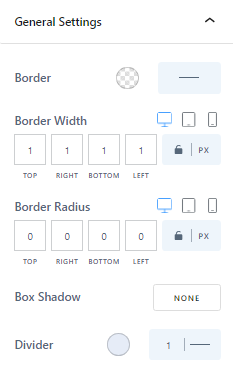
General Settings: You can add or change border style and color, adjust the border radius, and add a box-shadow effect to the Rating Box block via this setting.
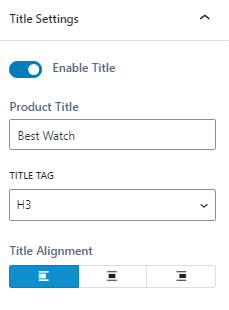
Title Settings: You can hide or display the product title, edit it, change the heading tag, and adjust the alignment to suit your preferences.
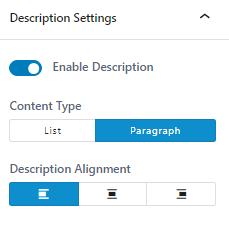
Description Settings: Here, you can enable or disable the description, change the format, and the alignment.
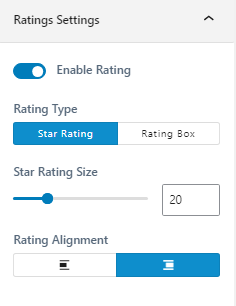
Ratings Settings: You can choose whether or not to display the product rating, and change the rating type, size and alignment via the ratings settings.
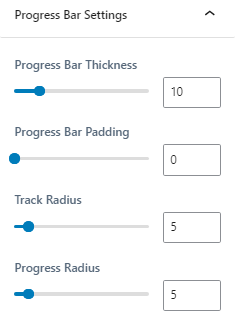
Progress Bar Settings: Here, you can adjust the progress bar’s thickness, padding, the track’s radius, and the progress radius.
Typography: Here, you can configure font settings for the block’s elements.
Colors: You can choose colors for the block’s elements and configure the block’s background.
Spacing: You can allocate margin and padding values for the rating item, progress bar, and the entire block.