


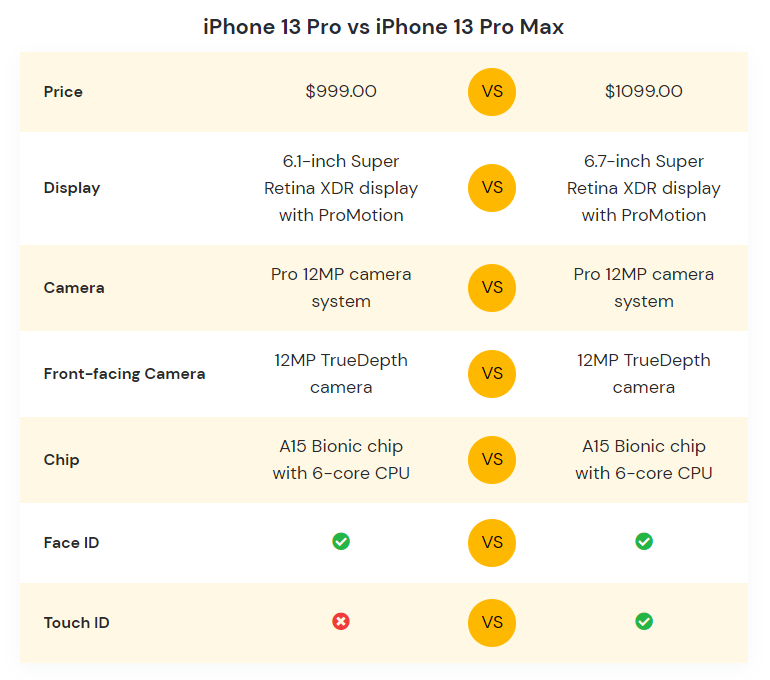
You can display the comparison between two product specifications using the AffiliateX Versus Line block, which makes decision-making easier for the customers.
How to add the AffiliateX Versus Line block?
- On a page/post editor, click on the Add block icon
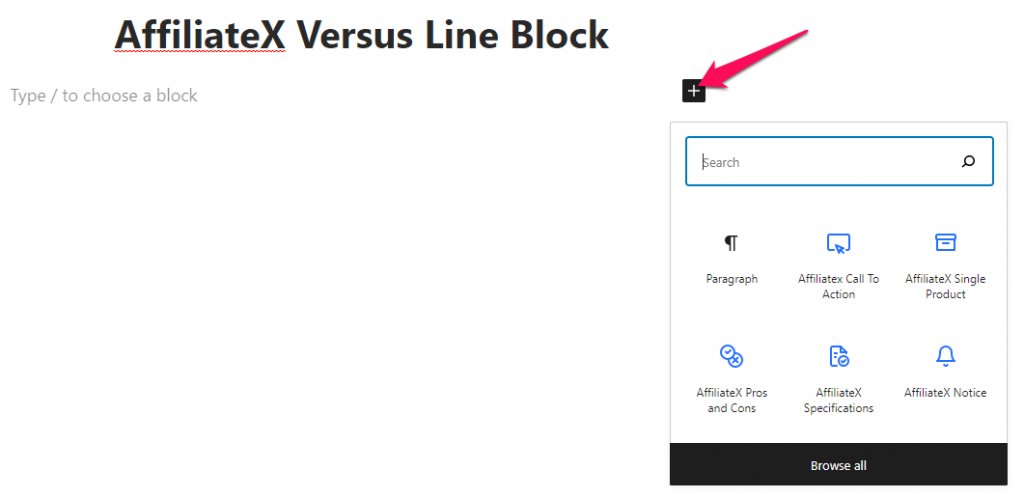
- Search for AffiliateX Versus Line and click on the block to add it
- You will get a default block design which you can modify via the provided Block Settings
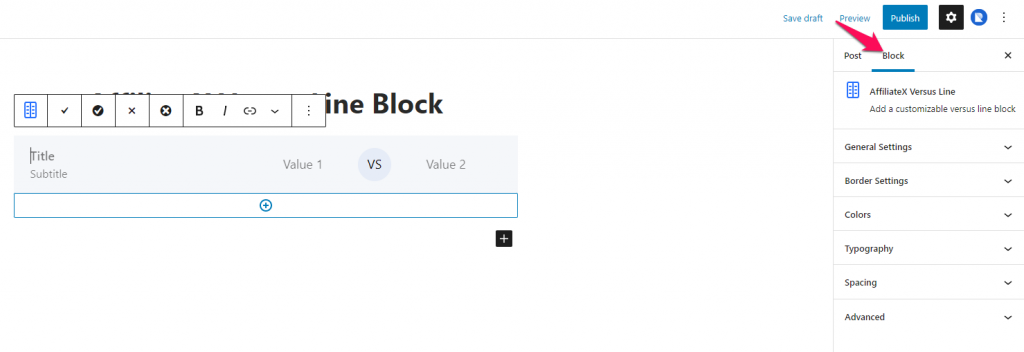
Block Settings
The following is the list of block settings provided to customize the AffiliateX Versus Line block.
General Settings: You can choose to add the box-shadow effect to the Versus Line block.
Border Settings: You can add and configure the border for the Versus Line block.
Colors: Here you can choose a color for the different block elements and configure the background for the block.
Typography: You can configure the font setting for the Label and Content of the Versus Line block here.
Spacing: You can assign margin and padding value for the block added.
If you want to explore more useful AffiliateX blocks and features, check the AffiliateX documentation site for details.