


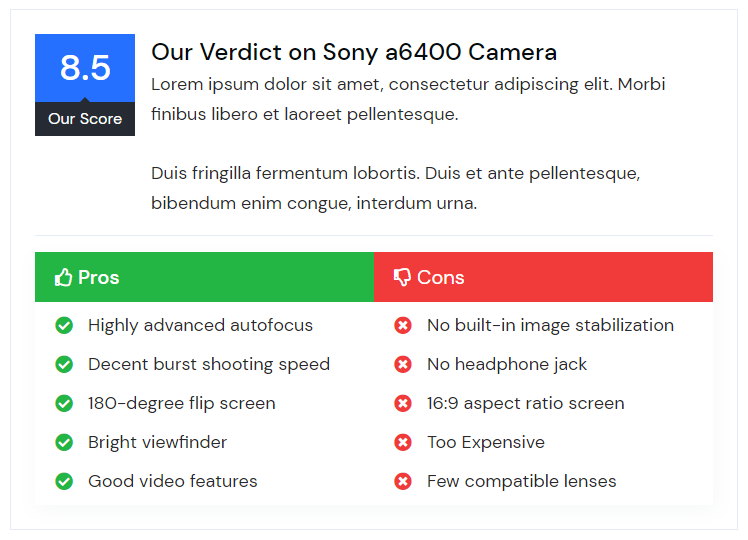
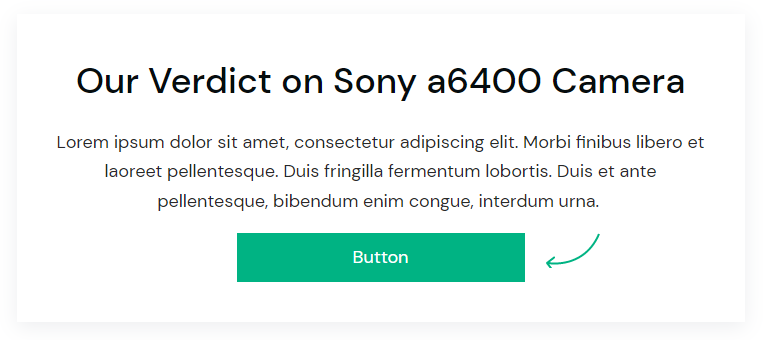
With the AffiliateX Verdict block, you can share your verdict or score for a product you are promoting along with highlighting the good and bad points of the product which can help customers in decision making.
How to add the AffiliateX Verdict block?
- On a page/post editor, click on the Add block icon
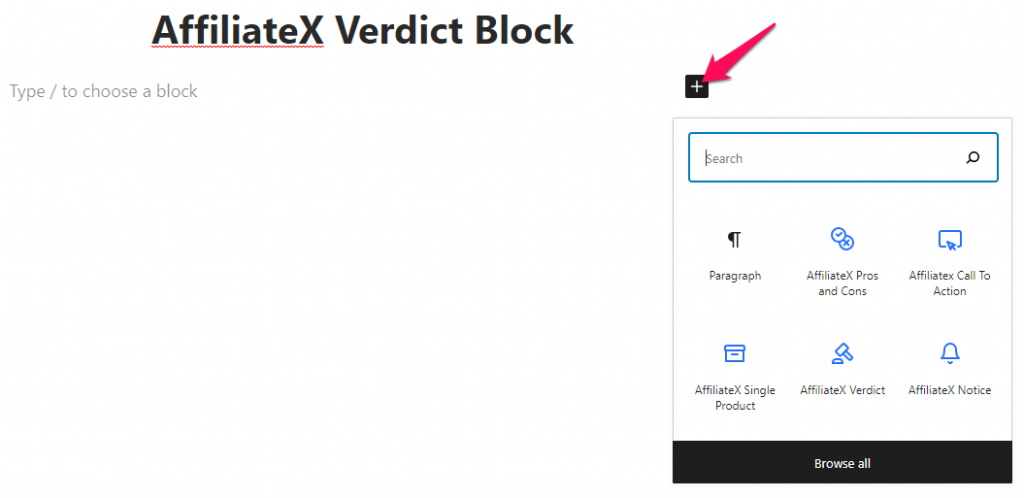
- Search for AffiliateX Verdict and click on the block to add it
- You will get a default block design which you can modify via the provided Block Settings
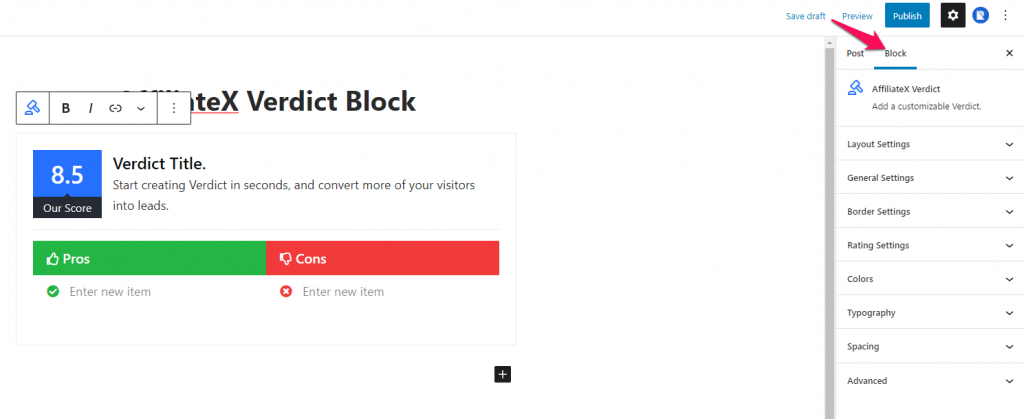
Block Settings
The following is the list of block settings provided to customize the AffiliateX Verdict block.
Layout Settings: There are two different layouts provided for this block. One with the scorecard and pros and cons section and the other with a CTA button. You can choose your preferred layout for the block here.
General Settings: The option provided under this setting will vary depending upon the layout you choose.
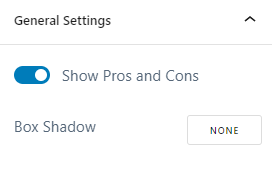
If you select layout one then you will have the option to enable/disable the Pros and Cons section and add the box-shadow effect under the General Settings.
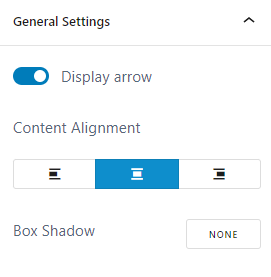
But if you select layout two then the available option would be to hide/display arrow image, select the content alignment, and the option to add the box-shadow effect.
Border Settings: You can add a border to the Verdict block via this setting.
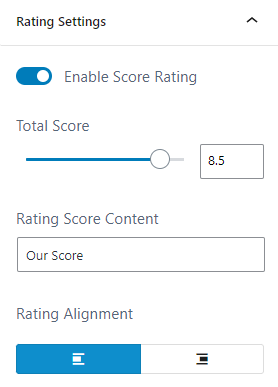
Rating Settings: This setting is available only if you choose Layout one as your block layout. You can enable/disable the score rating, enter the score and score content and select the rating alignment under this setting.
Colors: Here you can choose a color for different block elements and configure the background for the block.
Typography: You can configure the font setting for the Title and Content of the Verdict block here.
Spacing: You can assign margin and padding value for the Verdict block added.